What your screens can do
One job per screen, from safety scoreboards to dock schedules. Pick your industry to see the ones it uses.
259 use cases
Page 6 of 11
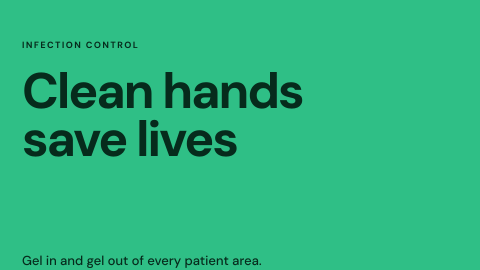 Infection control reminders
Hand hygiene and ward-specific notices.
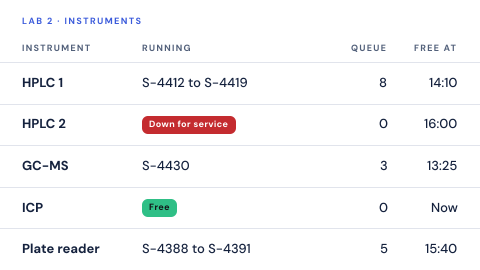 Instrument and sample queue
What is waiting on which instrument.
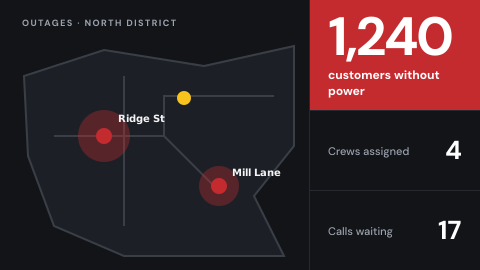 Internal outage map
Where service is down, crews assigned, calls waiting.
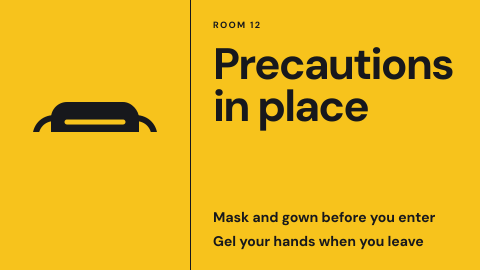 Isolation precaution icon at the door
A generic symbol, no name or diagnosis.
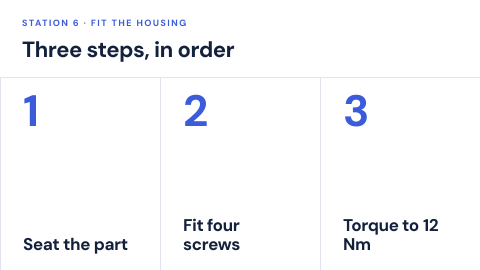 Job aid at the workstation
Visual steps for a task, at the place it happens.
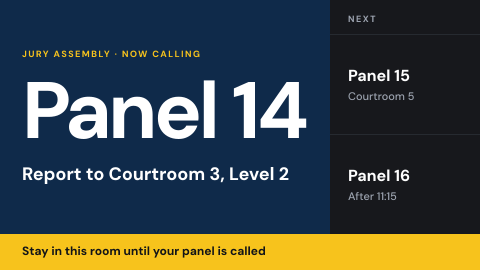 Jury assembly
Instructions and calls for jurors.
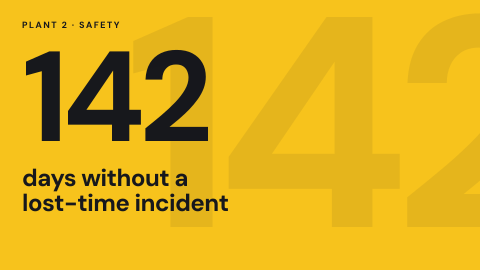 Safety scoreboard
Days since the last incident and the safety measures for a site, where everyone on shift sees them.
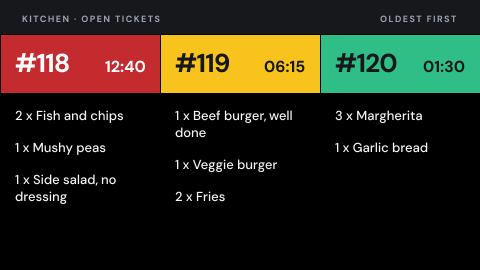 Kitchen display
Tickets for the cooks, in order.
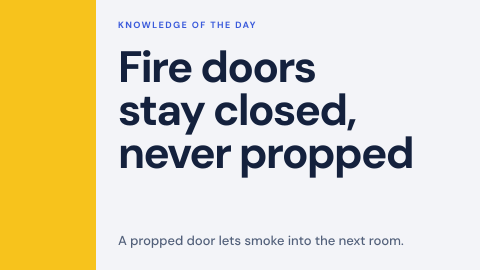 Knowledge of the day
A short fact people should retain.
 Kudos wall
Peer thank-yous as they are posted.
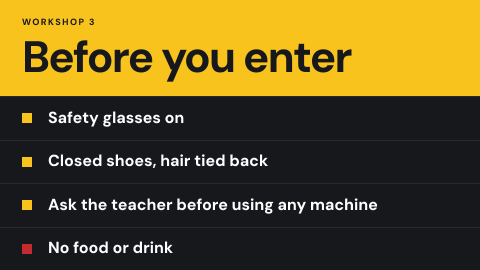 Lab and workshop safety
Rules at the door of labs and workshops.
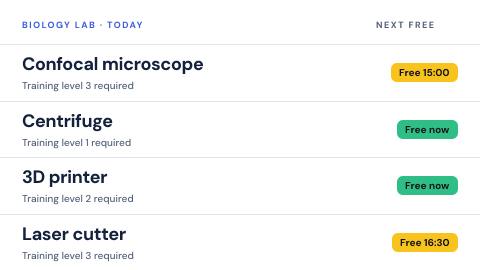 Lab equipment booking
Equipment with training status.
 Lab hazard door sign
Biological, chemical, laser or radiation level at the door.
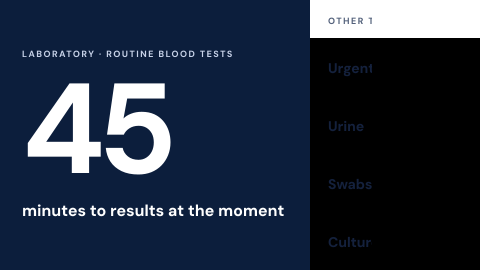 Lab sample turnaround
Wait for results shown without identity.
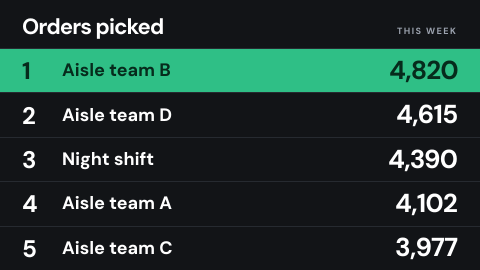 Leaderboard
A ranked list that drives friendly competition.
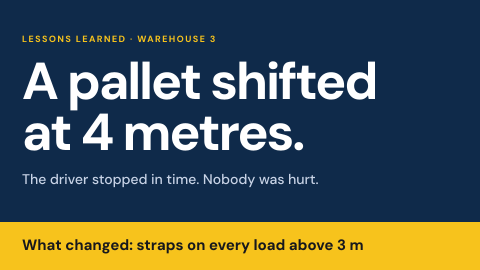 Lessons learned
A short story from a real incident and what changed.
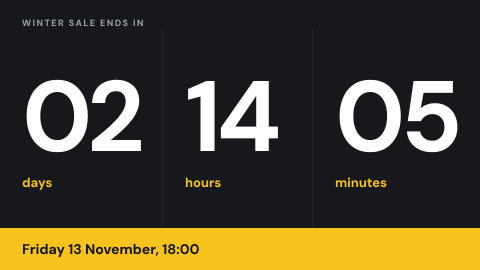 Limited-time offer countdown
A deadline that is true.
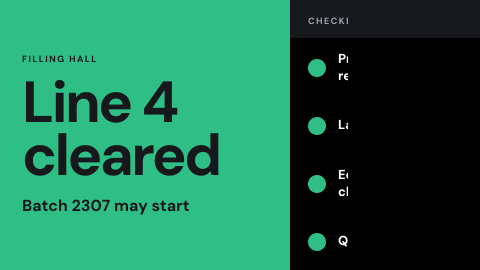 Line clearance status
Whether a line is cleared for the next batch.
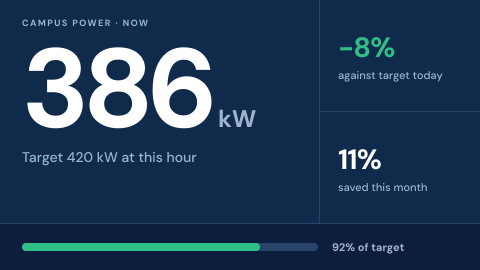 Live energy use
Consumption and savings against targets.
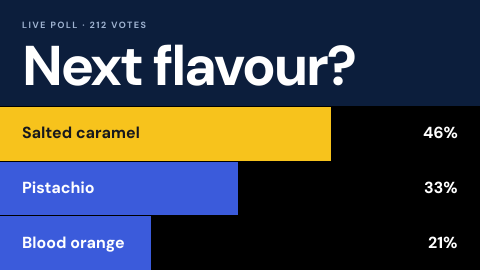 Live poll
A question with results updating on screen.
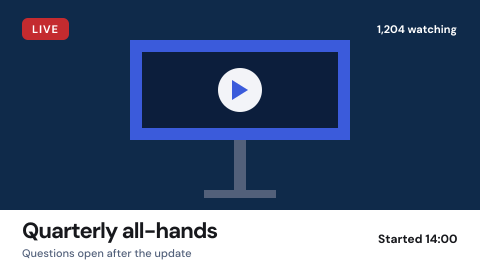 Live stream
A live feed shown as it happens.
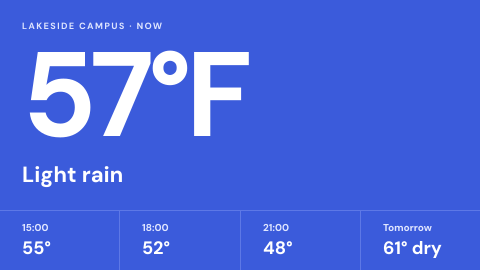 Local weather
Current conditions and forecast for the site.
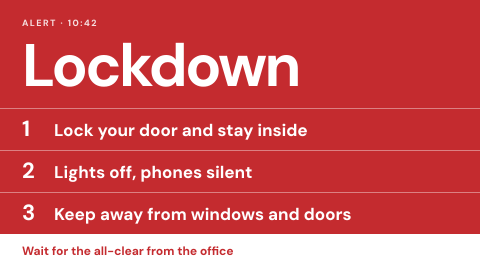 Lockdown and shelter in place
Clear messages for the first minute.
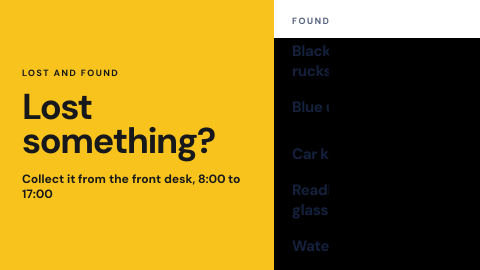 Lost and found notice
Show what was found and where to collect it.
Use cases by industry
Universal combines several jobs. Its page shows which ones, and what its rules ask of the screens.