What your screens can do
One job per screen, from safety scoreboards to dock schedules. Pick your industry to see the ones it uses.
259 use cases
Page 4 of 11
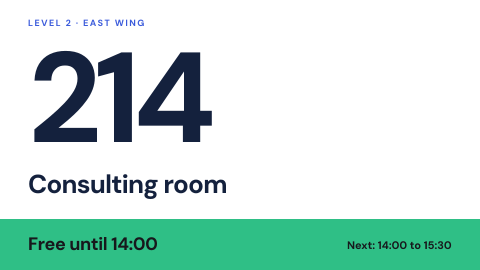 Digital door and wall signs
Room names and numbers that can change.
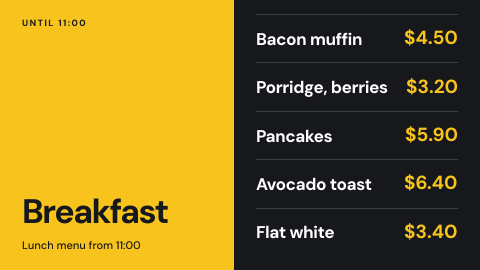 Menu board
Menus and prices that change by time of day, across every counter at once.
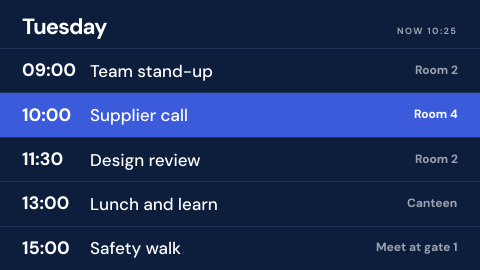 Schedule board
Shifts, timetables and events from the calendar or spreadsheet you already keep.
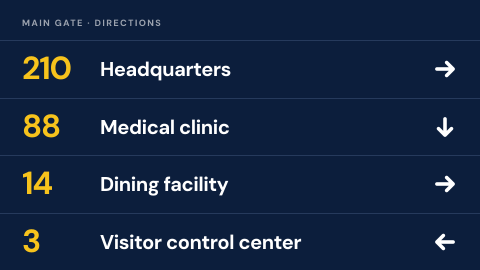 Directional guidance on base
Where buildings and services are.
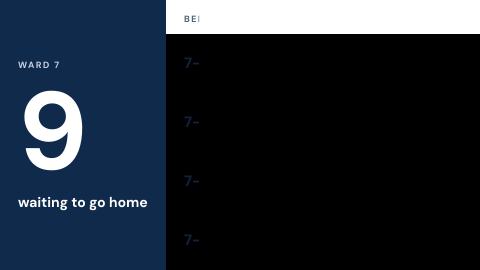 Discharge pending board
What is blocking discharges today.
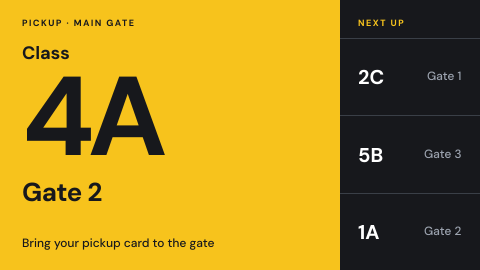 Dismissal and pickup queue
Which classes are called to pickup.
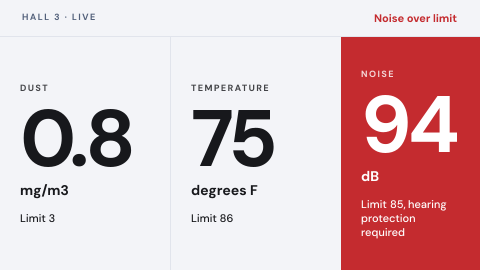 Environmental monitoring
Live air, noise and temperature readings on the floor, with an alert when one leaves its limit.
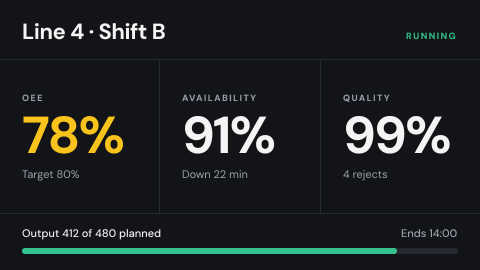 Production line OEE
Output, availability and quality for each line, live from the plant systems.
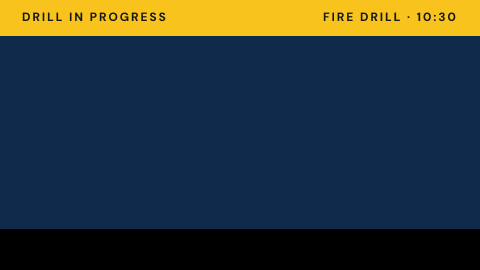 Drill in progress banner
Mark a drill so nobody mistakes it for a real event.
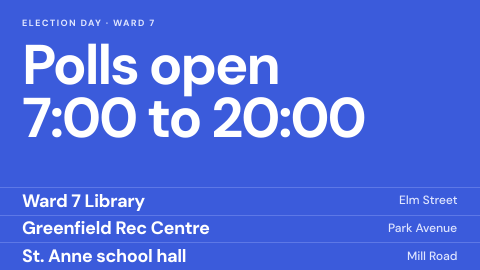 Election and polling information
Locations, hours, results.
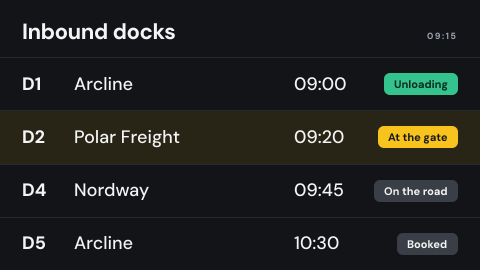 Dock schedule
Which truck is at which door and what is due next, live from the yard system.
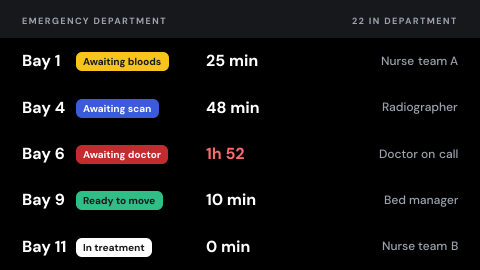 Emergency department tracking
Patients by stage, delay and owner.
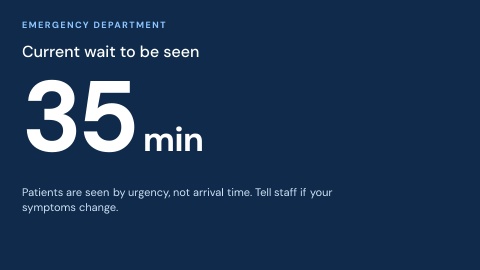 Emergency department wait time
Current wait, updated and honest.
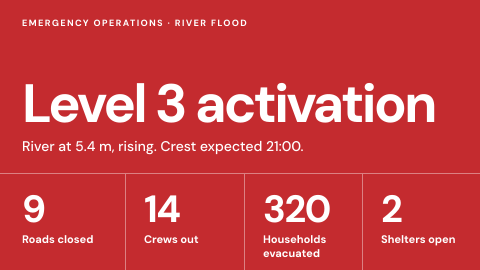 Emergency operations center wall
Situation picture for responders.
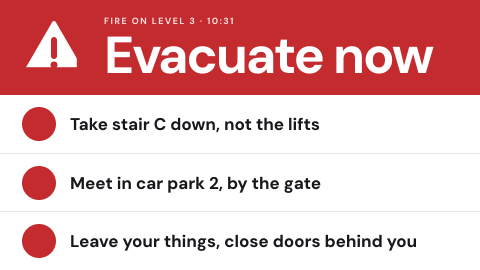 Emergency override from the alert source
Take every screen over from the same system that drives sirens and SMS.
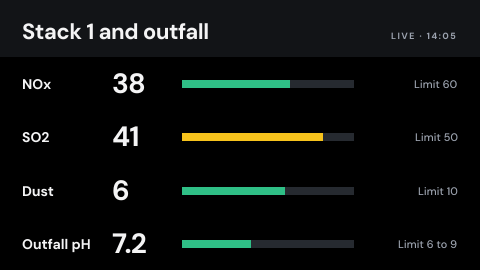 Emissions and discharge limits
Live readings against permit limits.
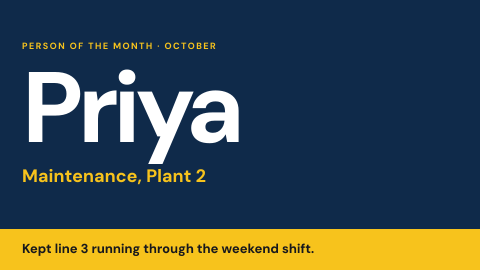 Employee recognition
Name the person of the month and why.
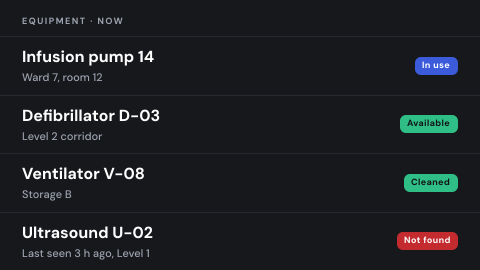 Equipment location
Where critical equipment is now.
 Equipment status label
In use, clean, needs calibration, out of service.
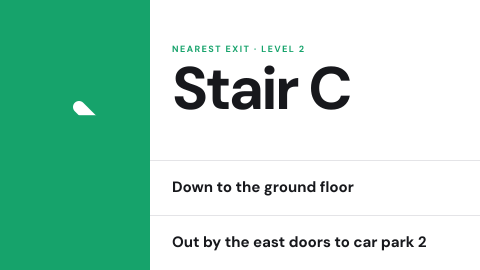 Evacuation route for this location
Show the exit path from where the screen hangs.
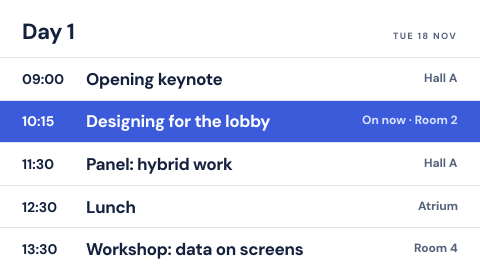 Event agenda
Sessions by time and room, with what is on now.
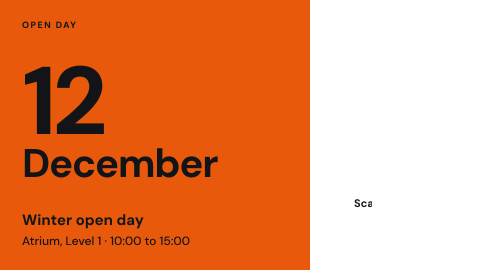 Event announcement
One upcoming event with date, place and a QR code.
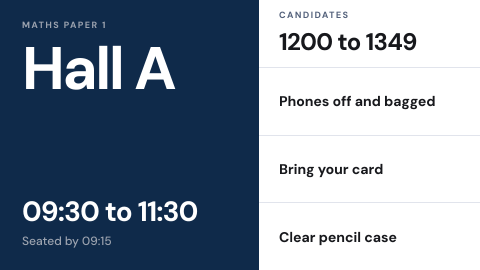 Exam notices
Room, time, rules and candidate numbers.
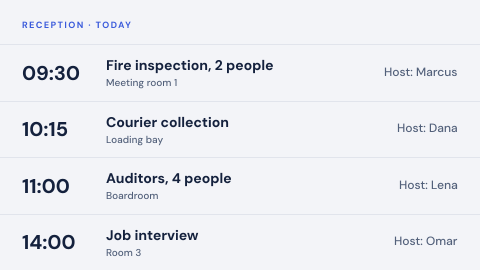 Expected visitors today
Who is arriving and for whom.
Use cases by industry
Universal combines several jobs. Its page shows which ones, and what its rules ask of the screens.