What your screens can do
One job per screen, from safety scoreboards to dock schedules. Pick your industry to see the ones it uses.
259 use cases
Page 2 of 11
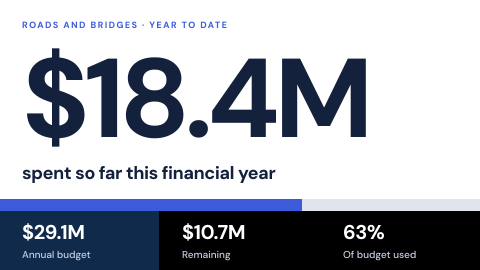 Budget and spending transparency
Figures an authority publishes.
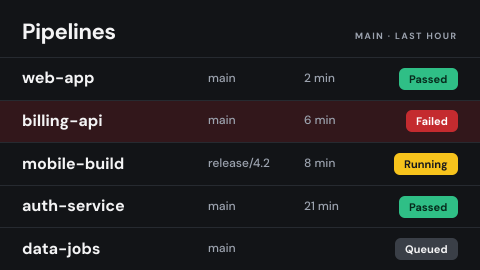 Build and deploy status
Pipeline results for engineering.
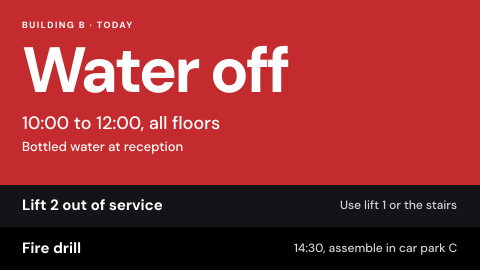 Building alerts
Water off, lift out, fire drill today.
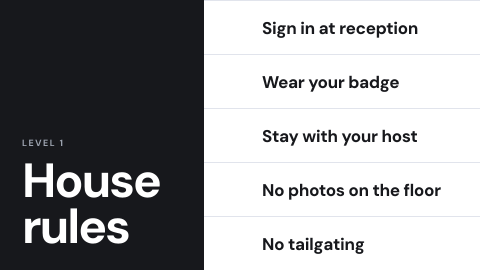 Building rules for visitors
What visitors must and must not do.
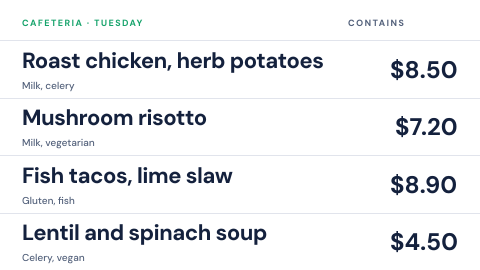 Cafeteria menu
Today's dishes with prices and allergens.
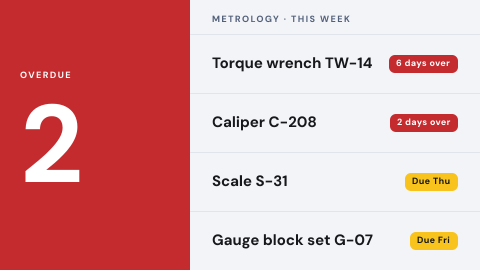 Calibration due
What is overdue, what is due this week.
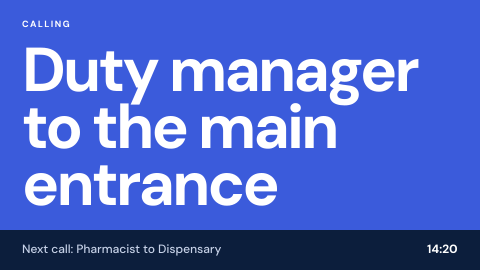 Call-out display
Page a person to a place.
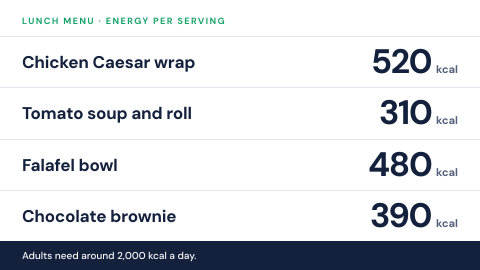 Calorie and nutrition labeling
The figures where the law asks for them.
 Check-in instructions
How to sign in, with a QR code.
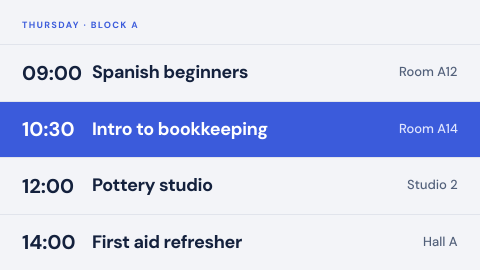 Class and course timetable
What is on, where, when.
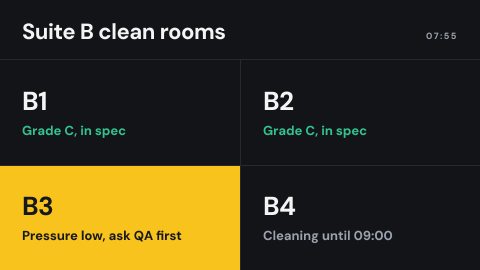 Clean room status at the door
Grade, pressure, who may enter, whether it is in use.
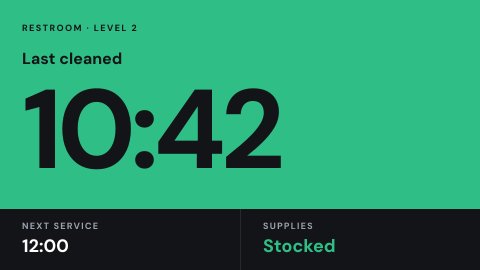 Cleaning and service status
Last cleaned, next service.
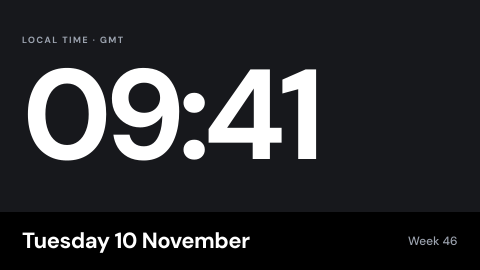 Clock and date
The time, in the local time zone.
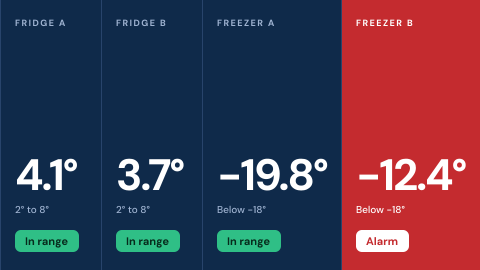 Cold chain readout
Fridge and freezer temperatures with alarm status.
 Command information
Announcements and messages from command.
 Community and education loops
Programs the institution is expected to show.
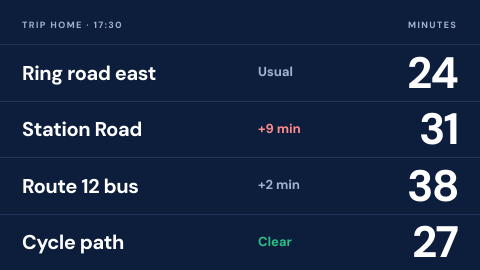 Commute and traffic
Travel time on the usual routes home.
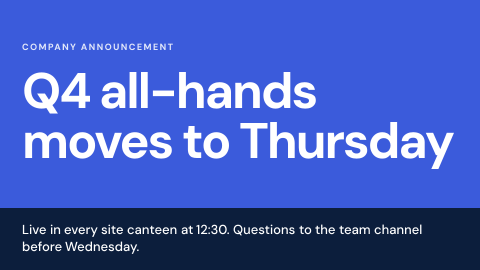 Company announcements
Headquarters pushes one message to every site.
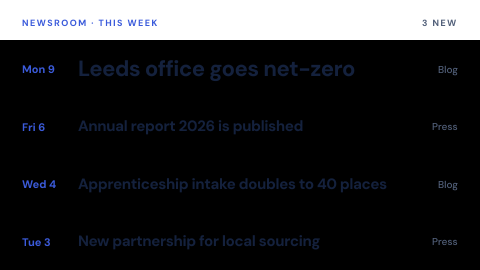 Company blog and press feed
Show what the company published this week.
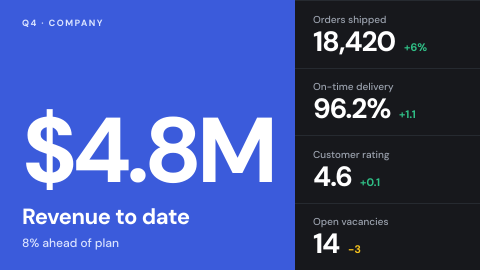 Company KPI wall
The five numbers leadership wants everyone to see.
 Company social feed
The company's own posts on the lobby screen.
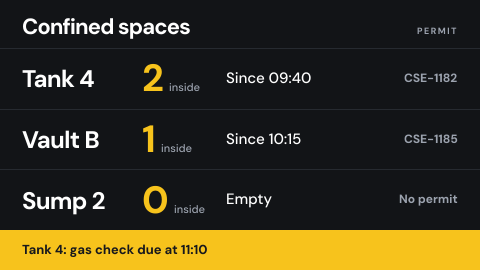 Confined space entry status
Who is inside, since when, with which permit.
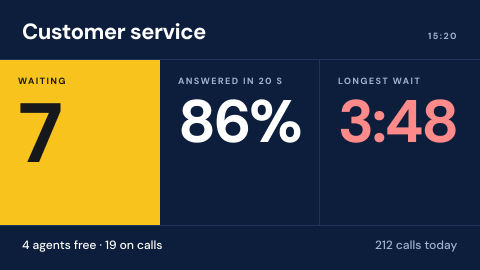 Contact center wallboard
Calls waiting, service level, agent states.
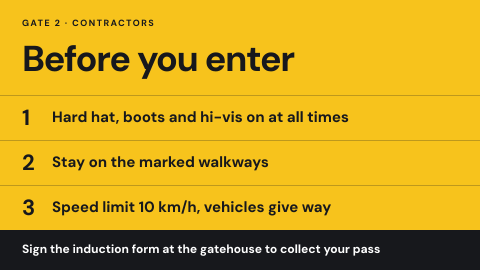 Contractor induction at the gate
Site rules and a sign-off before entry.
Use cases by industry
Universal combines several jobs. Its page shows which ones, and what its rules ask of the screens.