What your screens can do
One job per screen, from safety scoreboards to dock schedules. Pick your industry to see the ones it uses.
259 use cases
Page 10 of 11
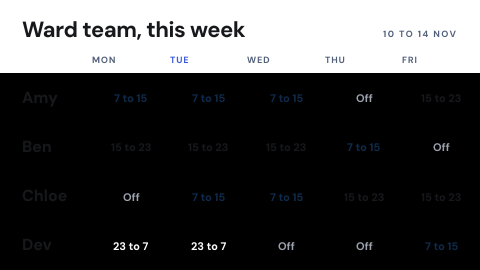 Shift schedule
Who works when, by team.
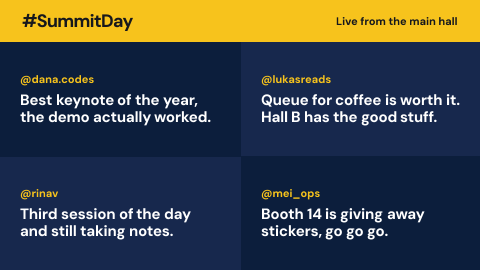 Social wall
Posts under a hashtag or from an account, moderated.
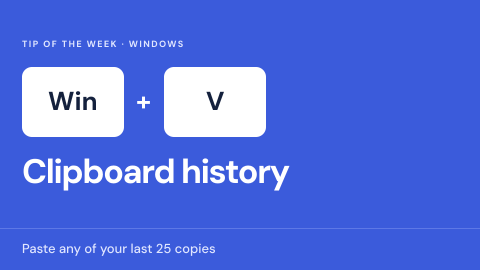 Software tips
One feature a week.
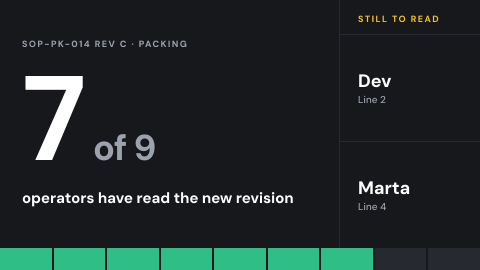 SOP read and acknowledge
Each operator confirms they read the new version.
 Sponsor and partner logos
Recognition with scheduled rotation.
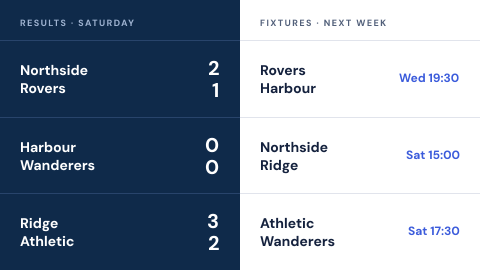 Sports scores and fixtures
Results and upcoming games for chosen teams.
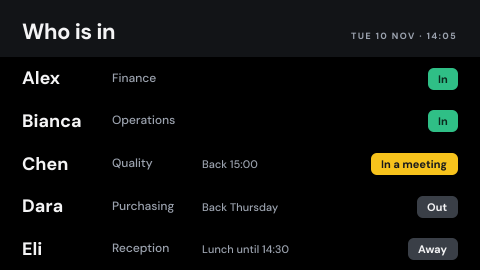 Staff in and out board
Whether each person is in, out or away.
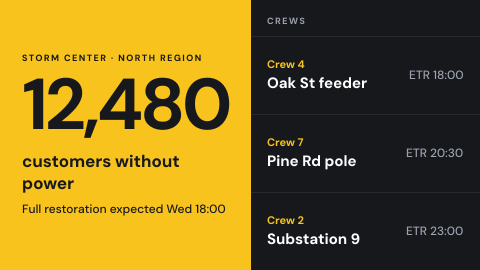 Storm center board
Crew assignments and restoration status.
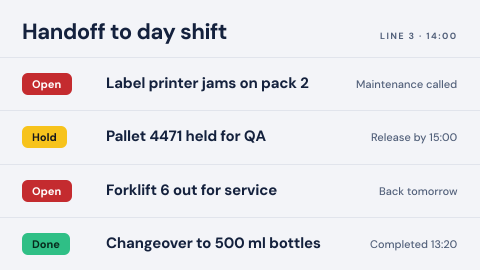 Shift handoff board
What the next shift needs to know, from open issues to changeovers, in one place.
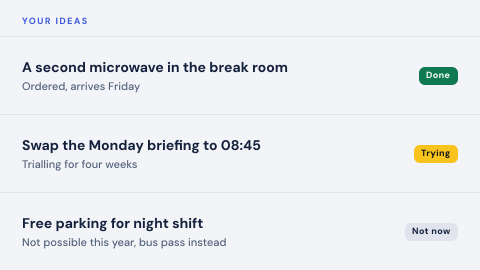 Suggestion box
Staff ideas and the replies to them.
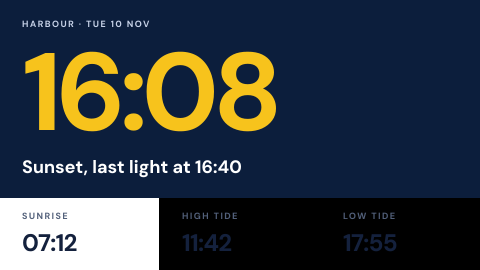 Sunrise, sunset and tides
Daylight and tide times where they matter to the day.
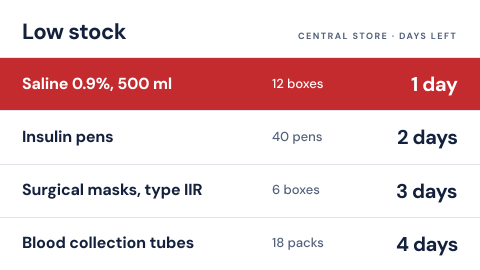 Supply status
Low stock on critical items.
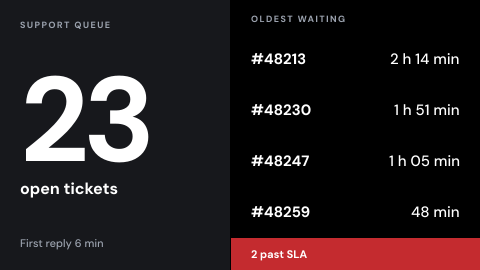 Support queue wall
Open tickets, wait times, SLA breaches.
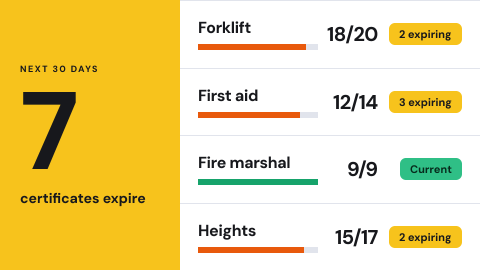 Training and certification status
Who is trained on what, and which certifications expire soon, before an audit finds them.
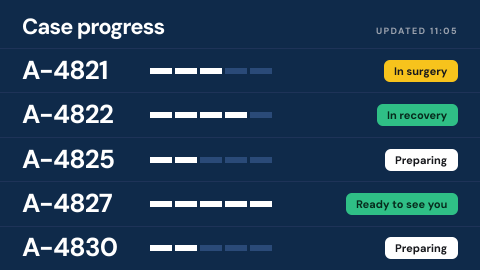 Surgical family waiting board
Case progress by anonymous ID.
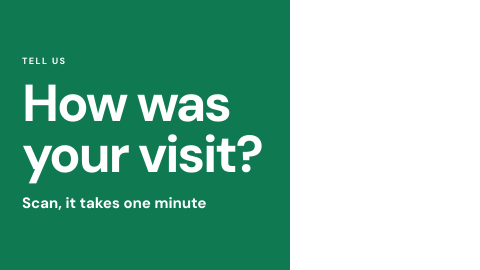 Survey invitation
Short prompt with a QR code.
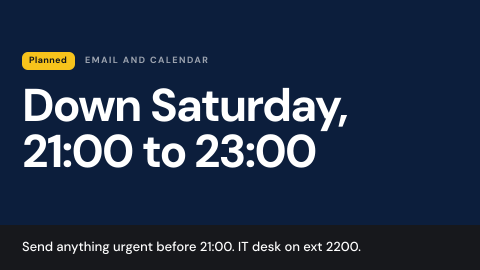 System maintenance notice
Warn that a service will be down.
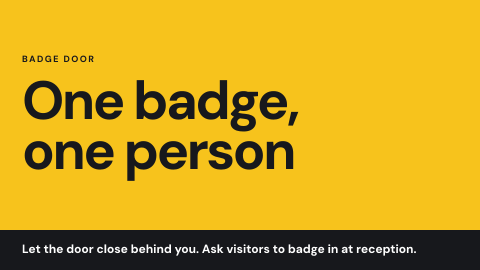 Tailgating awareness
Entry etiquette at badge doors.
 Team directory
Who is who, with photos and roles.
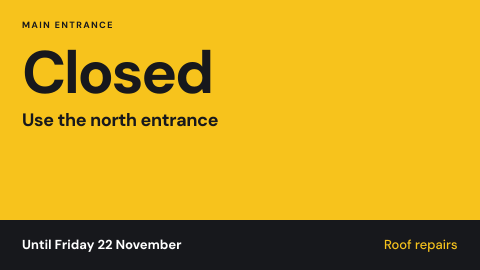 Temporary change notice
Construction, closed entrance, detour, out-of-service equipment.
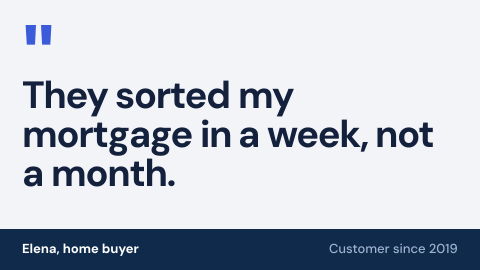 Testimonials
A customer says why they chose you.
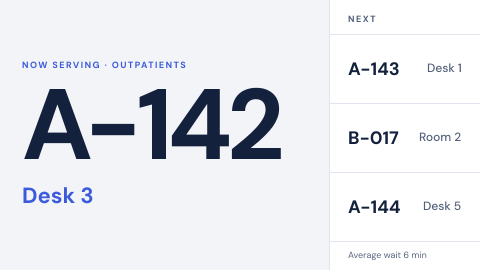 Ticket call to a counter or room
Call the next visitor by ticket number only: "N167, go to counter 2", never a name.
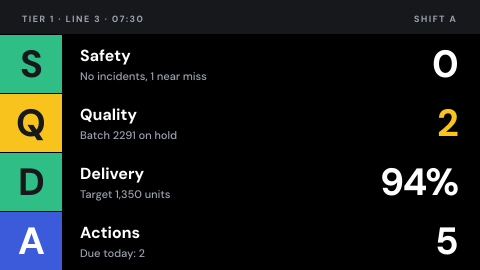 Tier and huddle board
Daily shop floor meeting: safety, quality, delivery and actions.
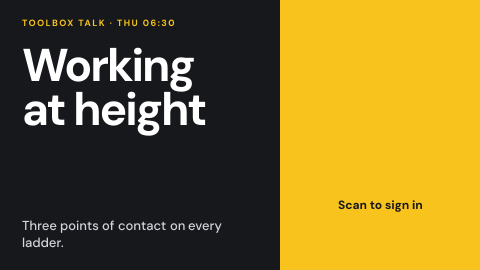 Toolbox talk with sign-off
The topic and a QR code to record attendance.
Use cases by industry
Universal combines several jobs. Its page shows which ones, and what its rules ask of the screens.