Use cases Warehousing
What screens do in warehousing
Dock schedules, pick rates and forklift rules where the work happens.
49 use cases
Page 2 of 3
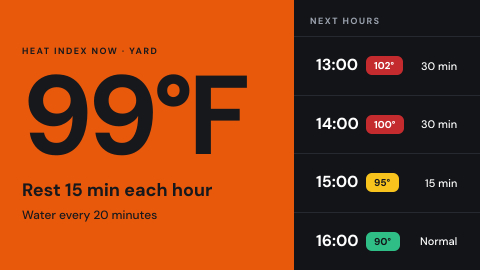 Heat stress and weather for outdoor work
Index and rest guidance by hour.
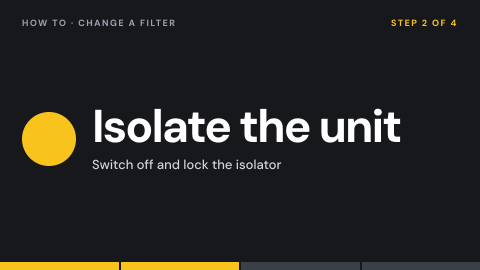 How-to loop
A short instructional video on repeat.
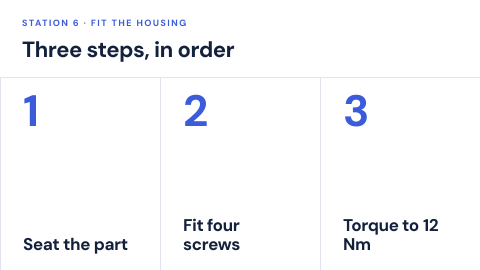 Job aid at the workstation
Visual steps for a task, at the place it happens.
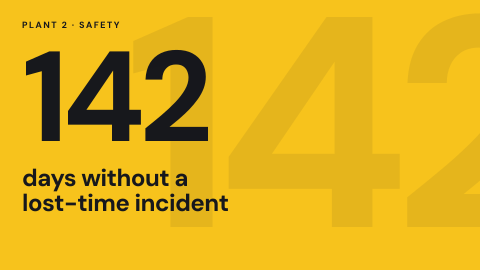 Safety scoreboard
Days since the last incident and the safety measures for a site, where everyone on shift sees them.
 Kudos wall
Peer thank-yous as they are posted.
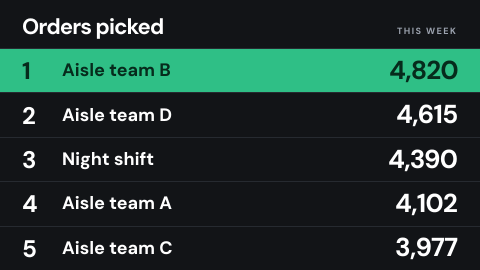 Leaderboard
A ranked list that drives friendly competition.
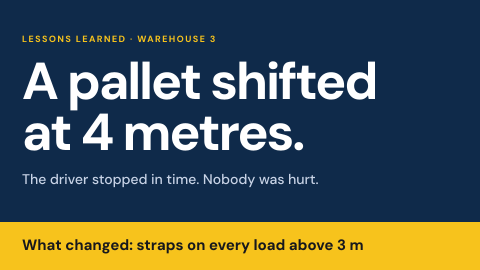 Lessons learned
A short story from a real incident and what changed.
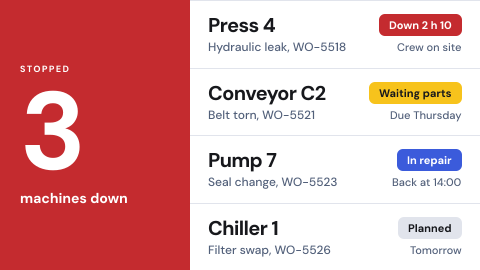 Maintenance and downtime
Open work orders and the stopped equipment.
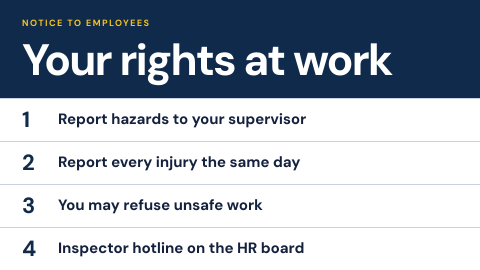 Mandatory workplace posters
Legally required notices, kept current.
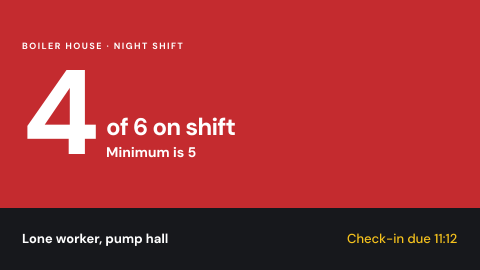 Minimum crew and lone worker
Whether staffing meets the minimum, who works alone.
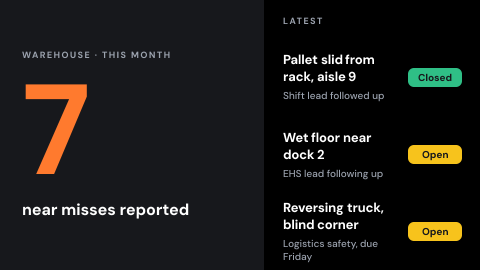 Near-miss reports
The count and the latest, with who followed up.
 New hire welcome
Introduce who joined this week.
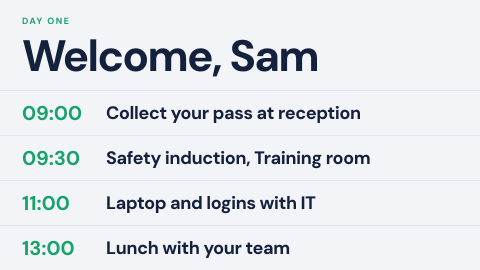 New starter day one
What to do and where to go in the first hours.
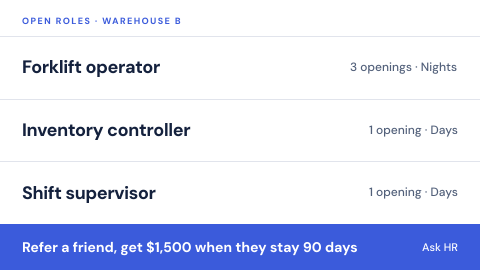 Open roles and referrals
Positions to fill and how to refer a friend.
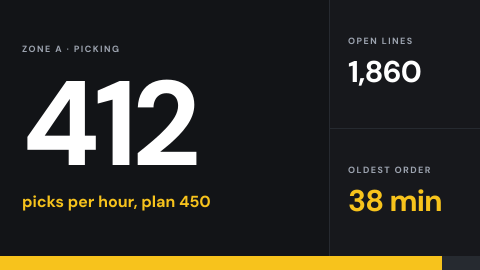 Pick rate and backlog
Throughput against plan.
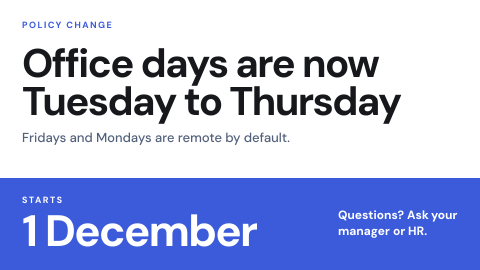 Policy change notice
Tell everyone a rule changed and from when.
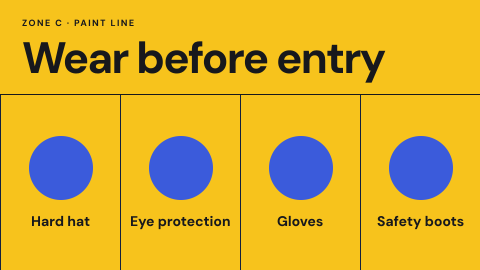 PPE required in this zone
The equipment required before entry.
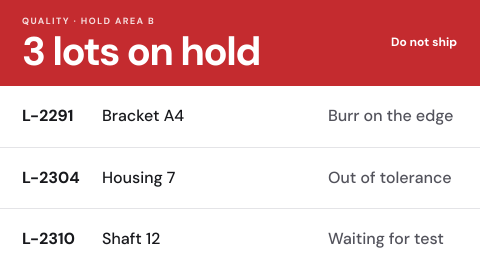 Quality hold board
Which product is on hold and why, so nothing held leaves the building.
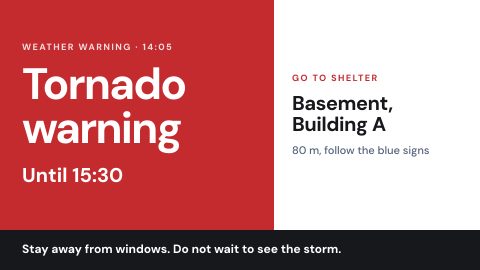 Severe weather and shelter
Warnings and the nearest shelter.
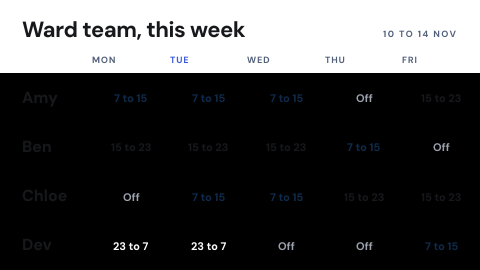 Shift schedule
Who works when, by team.
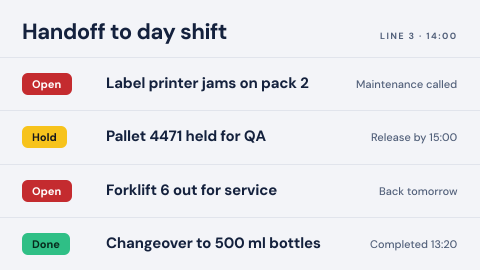 Shift handoff board
What the next shift needs to know, from open issues to changeovers, in one place.
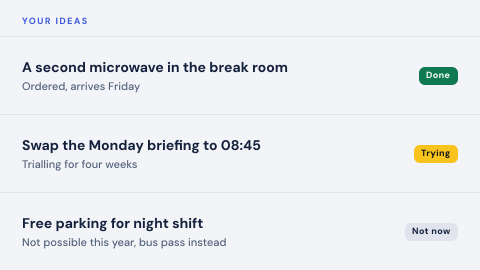 Suggestion box
Staff ideas and the replies to them.
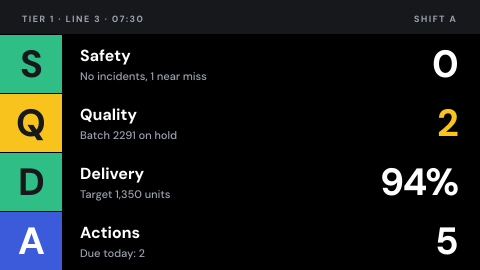 Tier and huddle board
Daily shop floor meeting: safety, quality, delivery and actions.
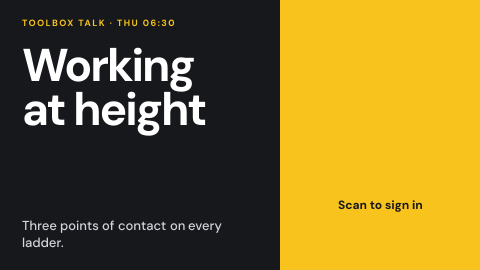 Toolbox talk with sign-off
The topic and a QR code to record attendance.
Use cases by industry
Universal combines several jobs. Its page shows which ones, and what its rules ask of the screens.