Use cases Warehousing
What screens do in warehousing
Dock schedules, pick rates and forklift rules where the work happens.
49 use cases
Page 1 of 3
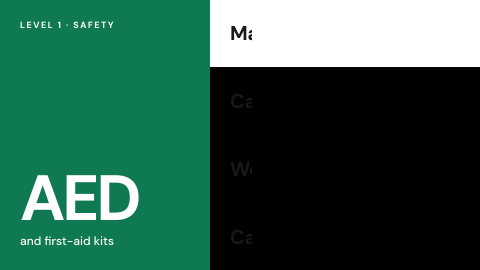 AED and first-aid locations
Where the equipment is.
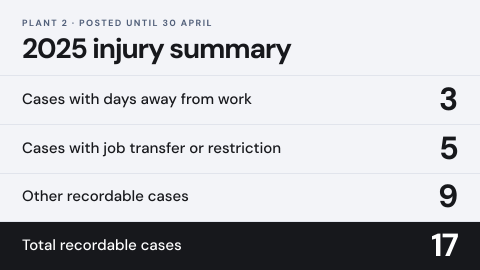 Annual injury summary posting
The summary required to be displayed for a set period.
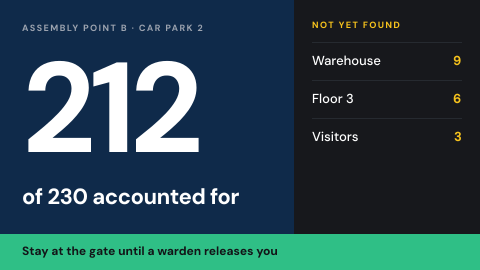 Assembly point and headcount
Where to gather, and who is accounted for.
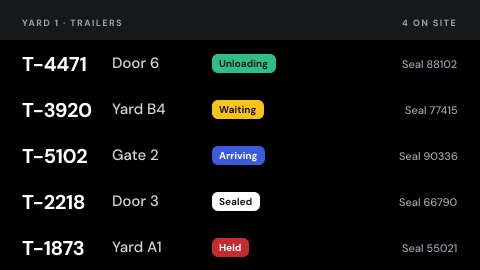 Asset and yard status
Where vehicles and loads are, and their state.
 Birthdays and work anniversaries
Celebrate people on the day.
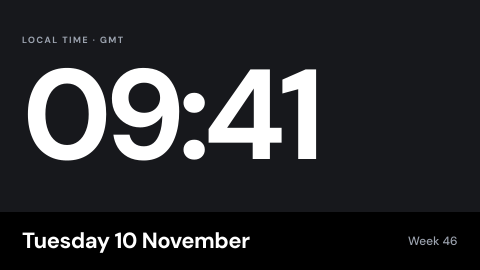 Clock and date
The time, in the local time zone.
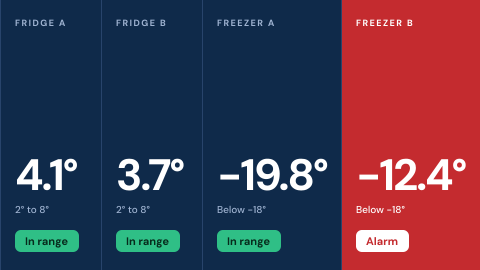 Cold chain readout
Fridge and freezer temperatures with alarm status.
 Company announcements
Headquarters pushes one message to every site.
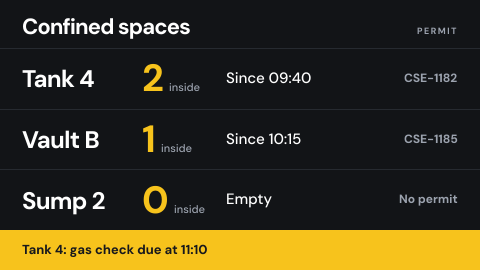 Confined space entry status
Who is inside, since when, with which permit.
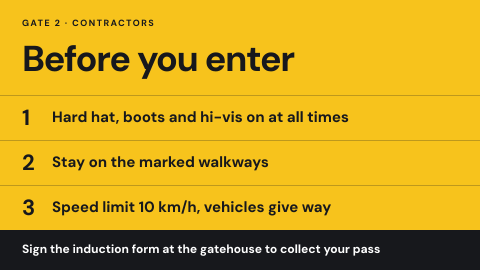 Contractor induction at the gate
Site rules and a sign-off before entry.
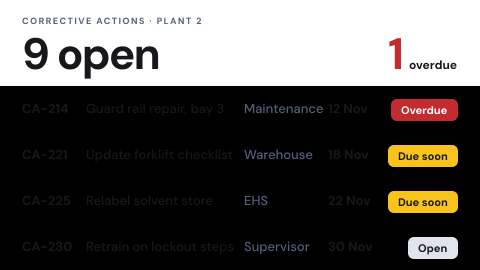 Corrective action status
Open actions, owners and due dates.
 Daily safety briefing
The hazard of the day, read at the shift start.
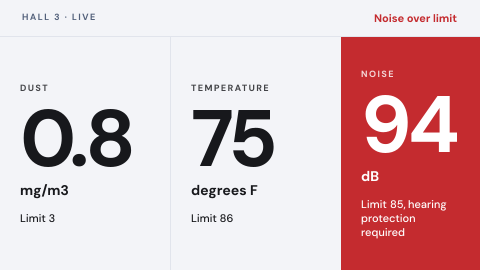 Environmental monitoring
Live air, noise and temperature readings on the floor, with an alert when one leaves its limit.
 Drill in progress banner
Mark a drill so nobody mistakes it for a real event.
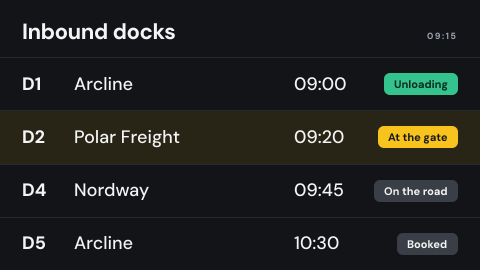 Dock schedule
Which truck is at which door and what is due next, live from the yard system.
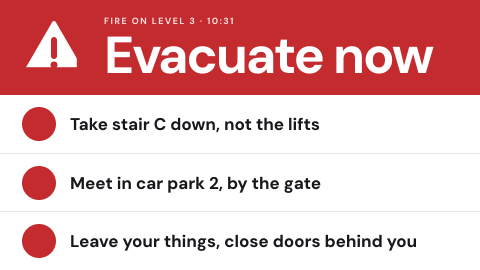 Emergency override from the alert source
Take every screen over from the same system that drives sirens and SMS.
 Employee recognition
Name the person of the month and why.
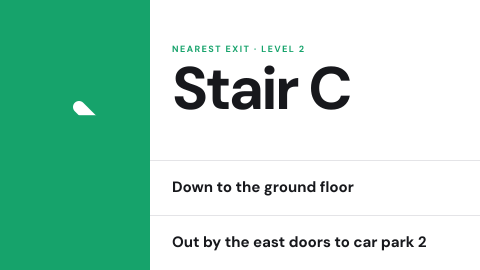 Evacuation route for this location
Show the exit path from where the screen hangs.
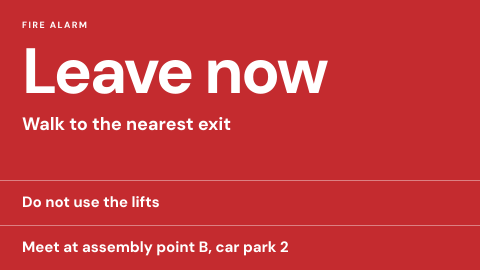 Fire alarm linked instructions
Instructions that start when the alarm starts.
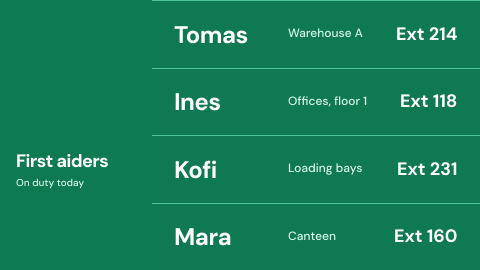 First aiders on duty
Who they are and how to reach them today.
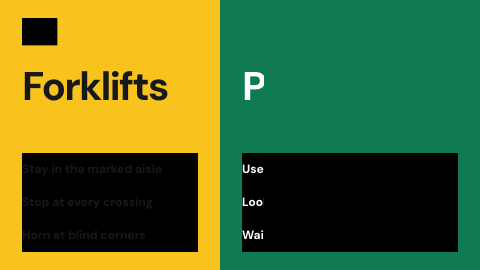 Forklift and pedestrian rules
Where each may go, shown at the dock.
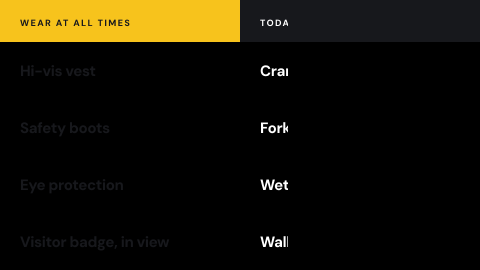 Visitor and contractor rules
Current hazards and site rules for everyone arriving, before they go past reception.
 Hazard zone entry status
Whether an area is safe to enter now.
 Health and safety posters
Rules people are expected to know.
Use cases by industry
Universal combines several jobs. Its page shows which ones, and what its rules ask of the screens.