Use cases Universal
Universal use cases
The jobs any organization's screens do, whatever the industry: announcements, time and weather, room signs, dashboards, menus and a welcome for visitors.
115 use cases
Page 3 of 5
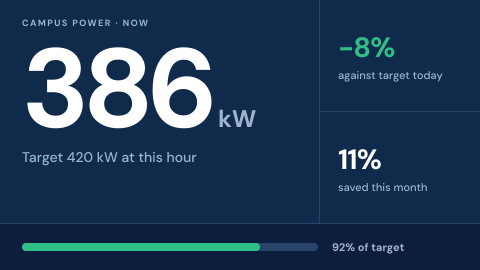 Live energy use
Consumption and savings against targets.
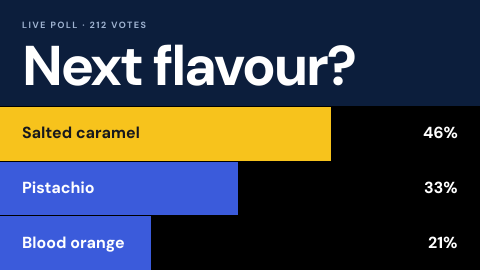 Live poll
A question with results updating on screen.
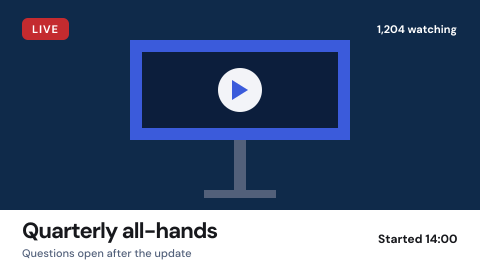 Live stream
A live feed shown as it happens.
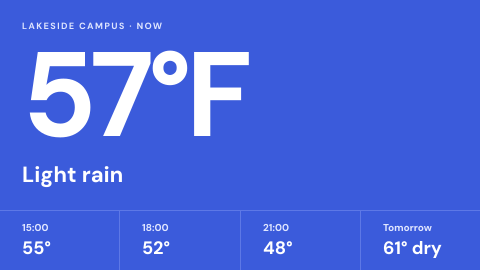 Local weather
Current conditions and forecast for the site.
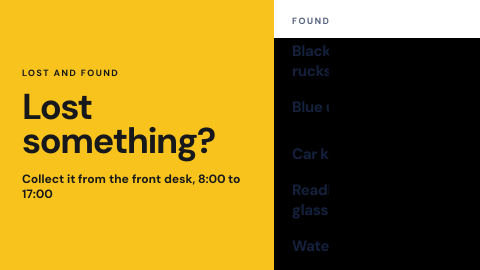 Lost and found notice
Show what was found and where to collect it.
 Loyalty sign-up
How to join and what you get.
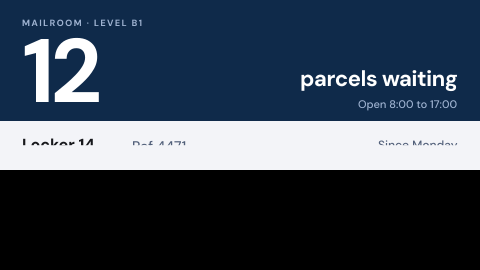 Mailroom and parcel pickup
Which parcels are waiting and where to collect them.
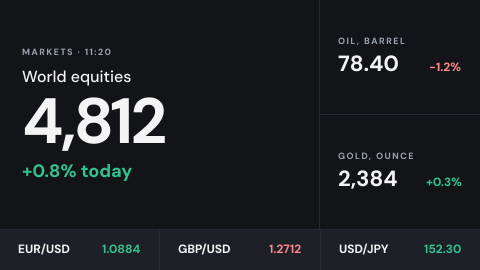 Market and currency tickers
Rates and indices that matter to the audience.
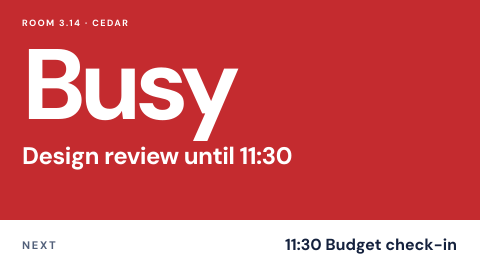 Meeting room door sign
Free or busy, who has it, until when.
 Mindfulness break
Breathing or stretch prompts in break areas.
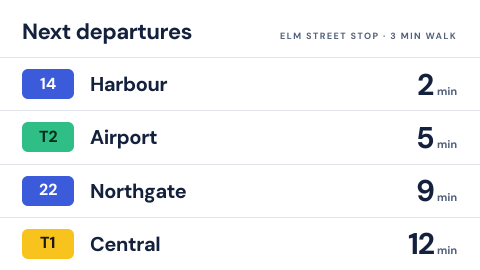 Nearby transit arrivals
Next buses and trains at the closest stops.
 New and coming soon
What arrived and what is next.
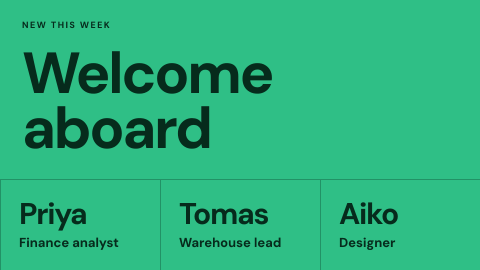 New hire welcome
Introduce who joined this week.
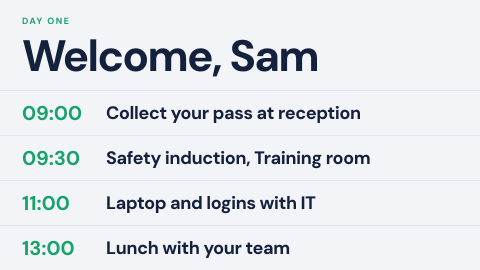 New starter day one
What to do and where to go in the first hours.
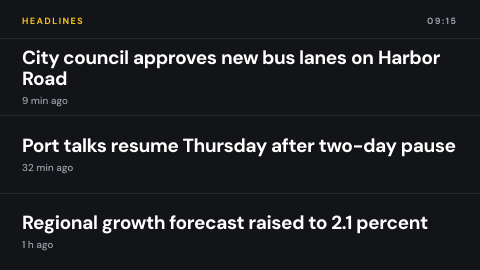 News headlines
Rolling headlines from a chosen source.
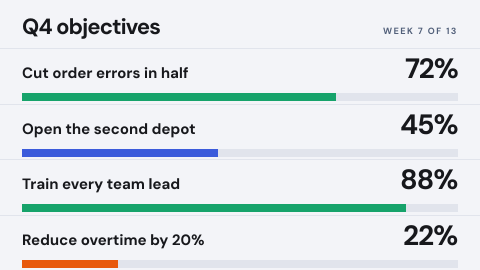 OKR progress
Goals and where each stands.
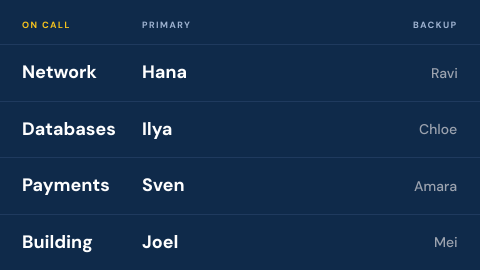 On-call roster
Who to call this week for each system.
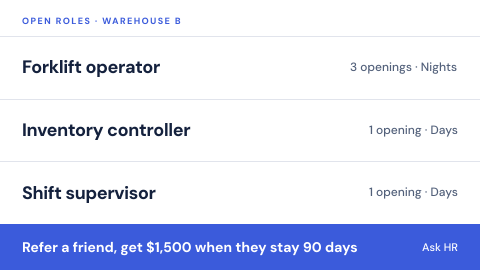 Open roles and referrals
Positions to fill and how to refer a friend.
 Opening hours and holiday closures
Show when the site is open, including exceptions.
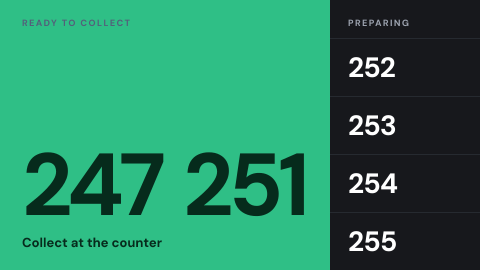 Order ready
Which orders can be collected.
 Org chart
How the organization is arranged.
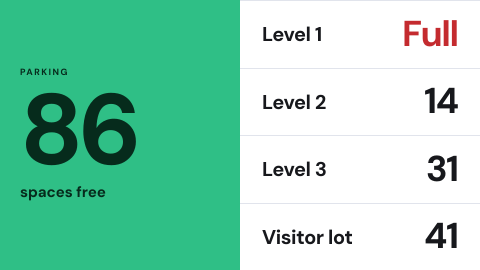 Parking availability
Free spaces by level or lot.
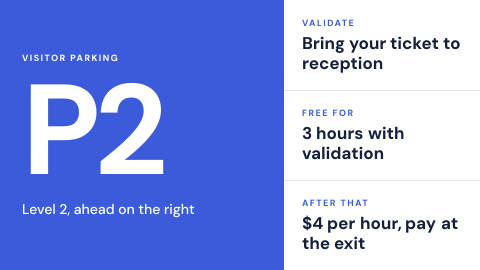 Parking instructions
Where to park and how to validate.
 Photo or hashtag contest
Entries displayed as they arrive.
Use cases by industry
Universal combines several jobs. Its page shows which ones, and what its rules ask of the screens.