Use cases Offices
What screens do in offices
Announcements, room signs, dashboards and a welcome for visitors, managed from one place for every site.
109 use cases
Page 4 of 5
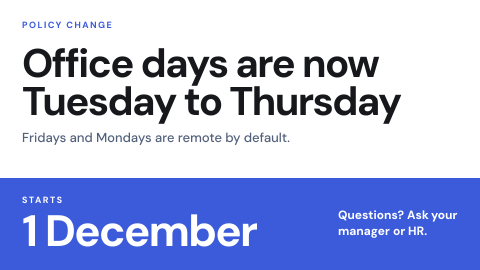 Policy change notice
Tell everyone a rule changed and from when.
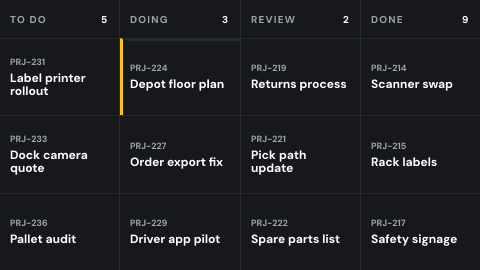 Project board
Cards and their stages from a tracker.
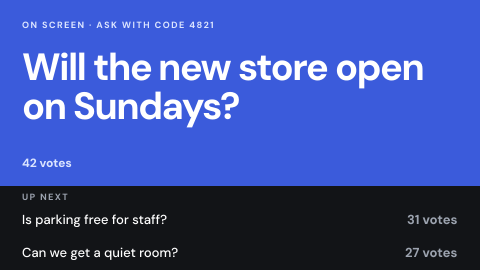 Q&A wall
Questions from an audience, moderated.
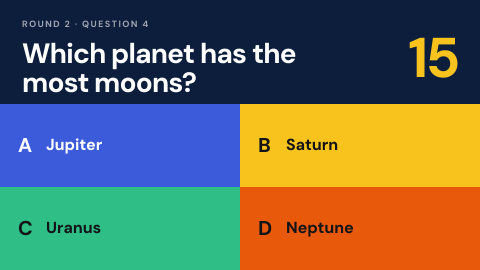 Quiz or trivia round
Interactive game for an event or break room.
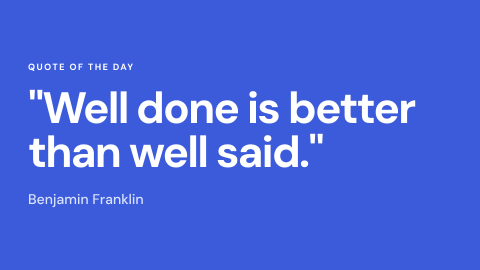 Quote of the day
A short line from a list or feed.
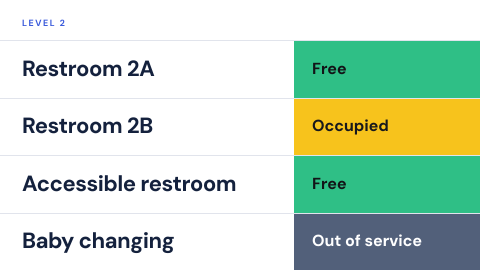 Restroom and amenity status
Occupied, free, out of service.
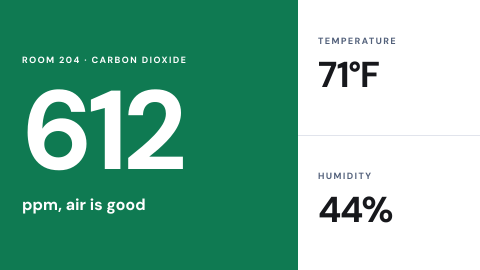 Room air quality
CO2, temperature and humidity in a room.
 Room availability overview
Every room on a floor in one glance.
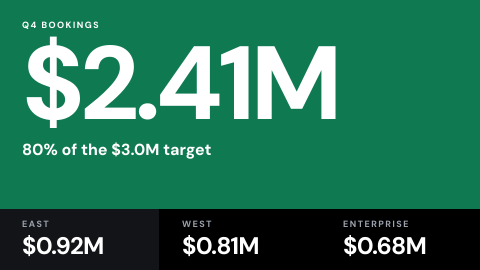 Sales scoreboard
Bookings against target, by person or team.
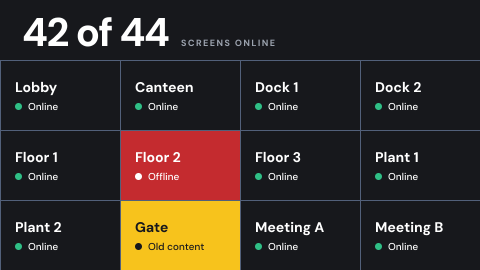 Screen health wall
Which screens are online and showing the right thing.
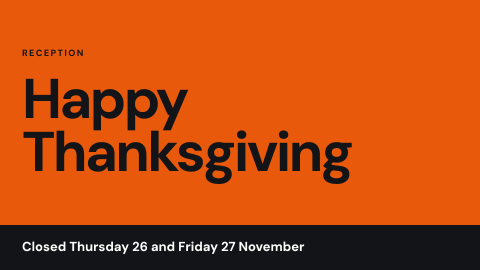 Seasonal and holiday messages
Swap in themed content on set dates.
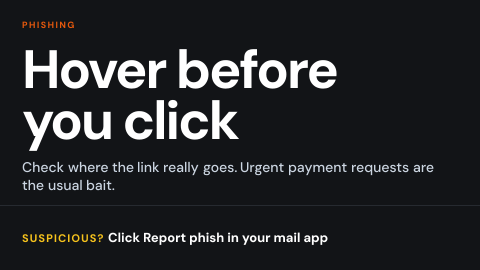 Security awareness
Phishing and password prompts for employees.
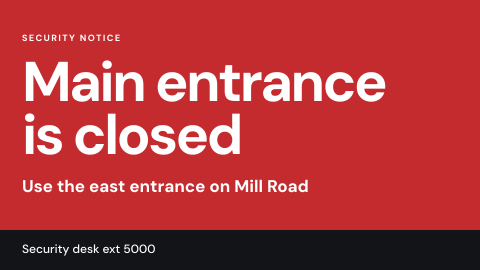 Security notice
Suspicious item, closed entrance, lockdown.
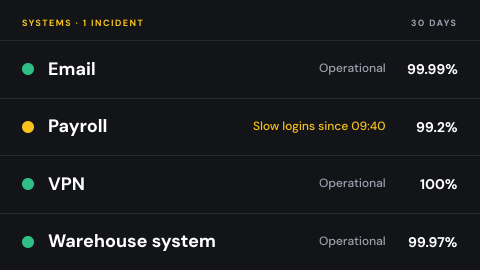 Service uptime board
Status of each system, with incidents.
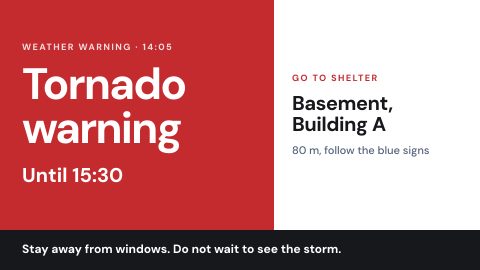 Severe weather and shelter
Warnings and the nearest shelter.
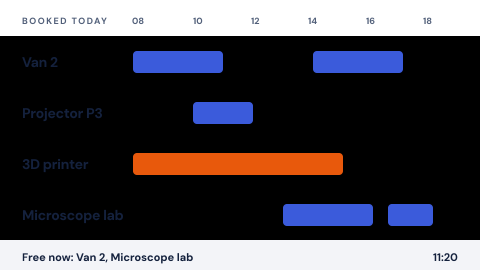 Shared equipment booking
Vehicles, labs, projectors, tools.
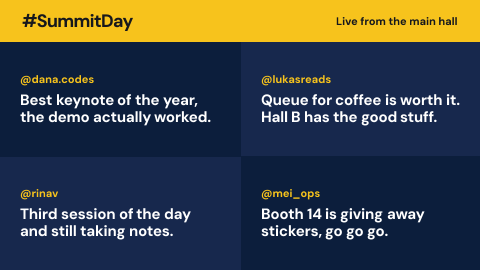 Social wall
Posts under a hashtag or from an account, moderated.
 Software tips
One feature a week.
 Sponsor and partner logos
Recognition with scheduled rotation.
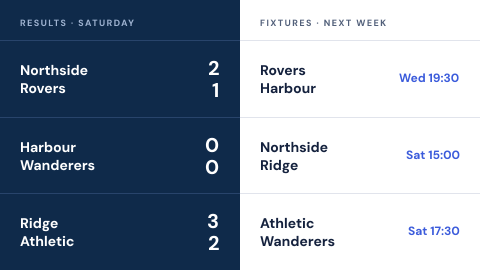 Sports scores and fixtures
Results and upcoming games for chosen teams.
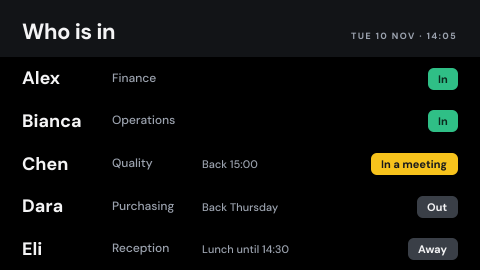 Staff in and out board
Whether each person is in, out or away.
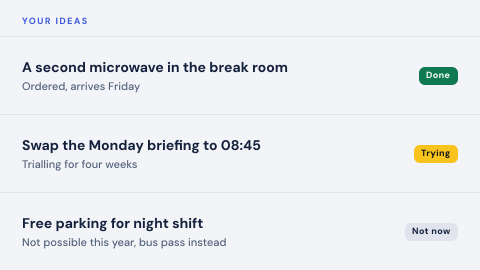 Suggestion box
Staff ideas and the replies to them.
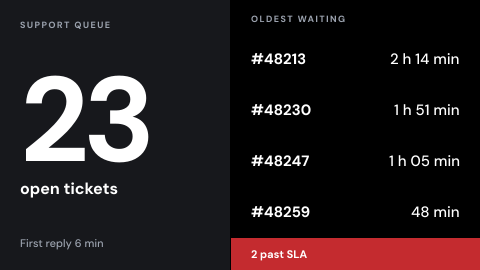 Support queue wall
Open tickets, wait times, SLA breaches.
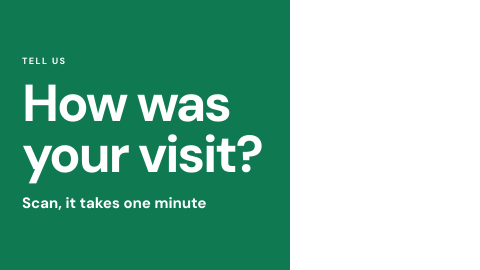 Survey invitation
Short prompt with a QR code.
Use cases by industry
Universal combines several jobs. Its page shows which ones, and what its rules ask of the screens.