Use cases Offices
What screens do in offices
Announcements, room signs, dashboards and a welcome for visitors, managed from one place for every site.
109 use cases
Page 2 of 5
 Digital art
Rotating artwork in public areas.
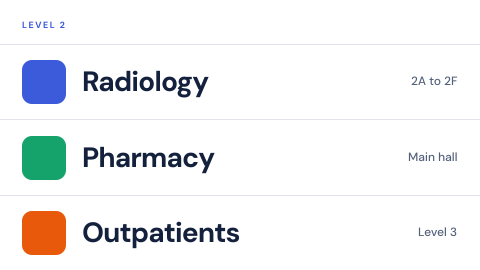 Digital directory
Who is on which floor, kept current from one place instead of a printed board.
 Digital door and wall signs
Room names and numbers that can change.
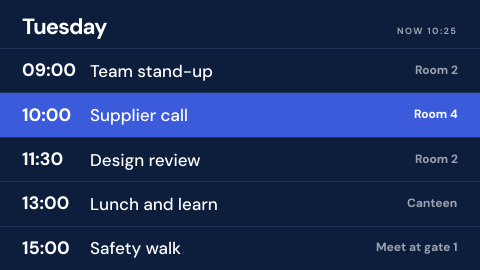 Schedule board
Shifts, timetables and events from the calendar or spreadsheet you already keep.
 Drill in progress banner
Mark a drill so nobody mistakes it for a real event.
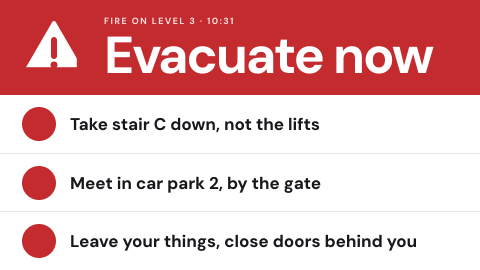 Emergency override from the alert source
Take every screen over from the same system that drives sirens and SMS.
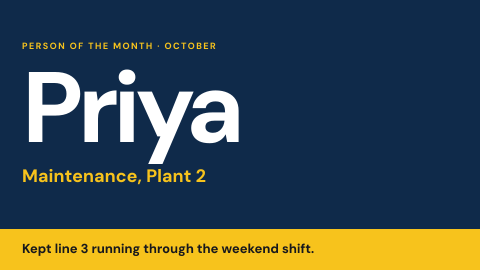 Employee recognition
Name the person of the month and why.
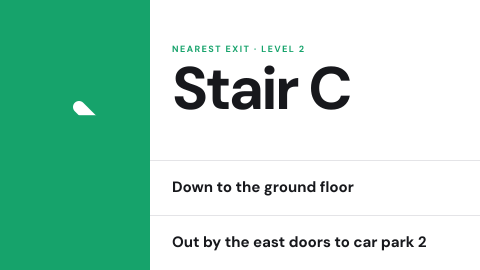 Evacuation route for this location
Show the exit path from where the screen hangs.
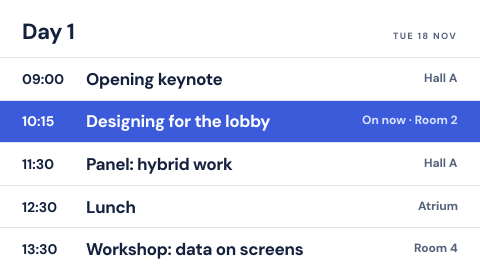 Event agenda
Sessions by time and room, with what is on now.
 Event announcement
One upcoming event with date, place and a QR code.
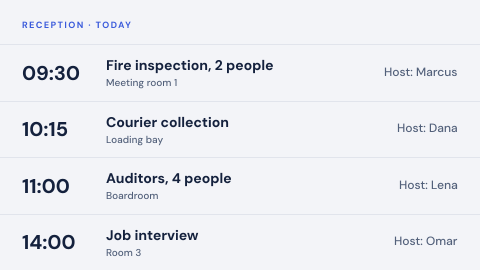 Expected visitors today
Who is arriving and for whom.
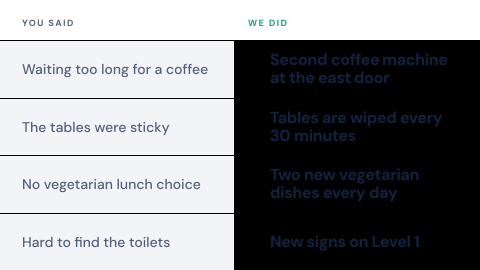 Feedback response wall
"You said, we did".
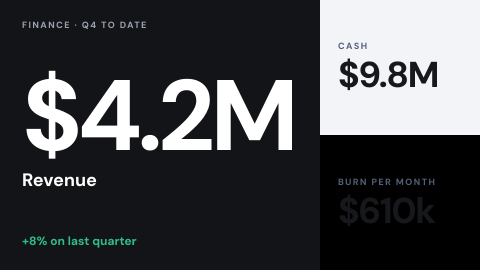 Finance snapshot
Revenue, cash, burn, for a restricted audience.
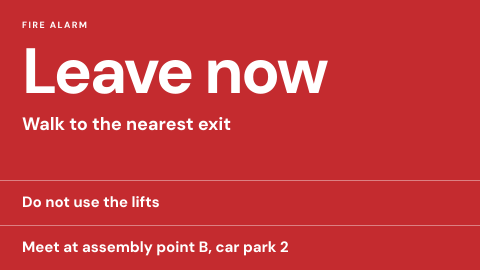 Fire alarm linked instructions
Instructions that start when the alarm starts.
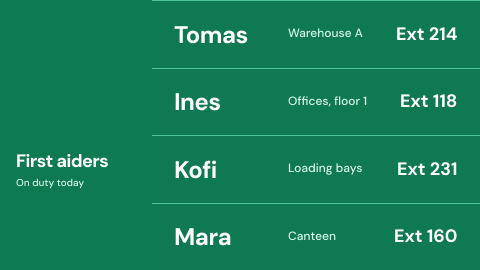 First aiders on duty
Who they are and how to reach them today.
 Fun fact or trivia
A rotating question and answer.
 Goal thermometer
Progress toward a single target.
 Guest Wi-Fi
Network name and a join QR code.
 Health and safety posters
Rules people are expected to know.
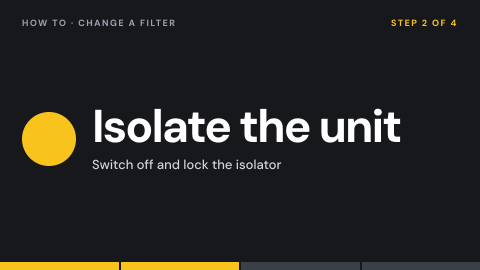 How-to loop
A short instructional video on repeat.
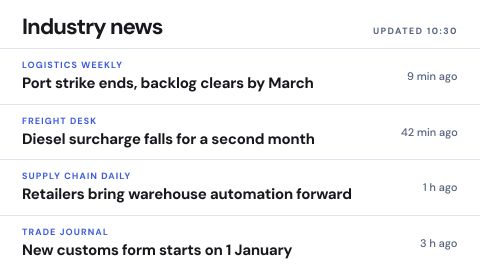 Industry news
A curated feed relevant to the work.
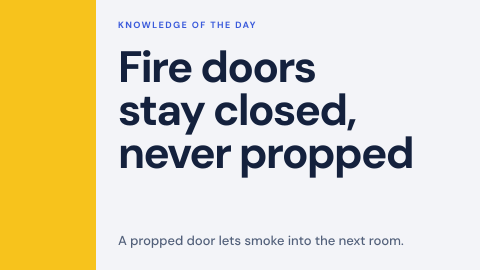 Knowledge of the day
A short fact people should retain.
 Kudos wall
Peer thank-yous as they are posted.
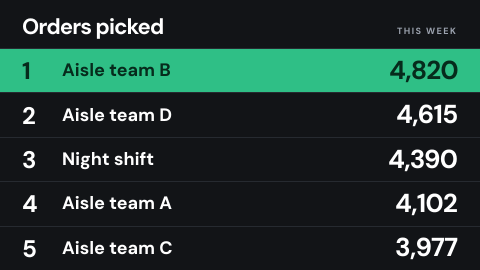 Leaderboard
A ranked list that drives friendly competition.
Use cases by industry
Universal combines several jobs. Its page shows which ones, and what its rules ask of the screens.