Use cases Manufacturing
What screens do in manufacturing
Andon alerts, quality holds and safety scoreboards on the plant floor, fed from the systems the plant already runs.
83 use cases
Page 1 of 4
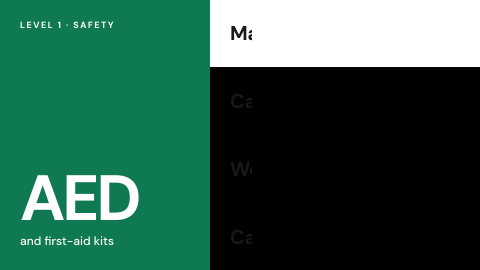 AED and first-aid locations
Where the equipment is.
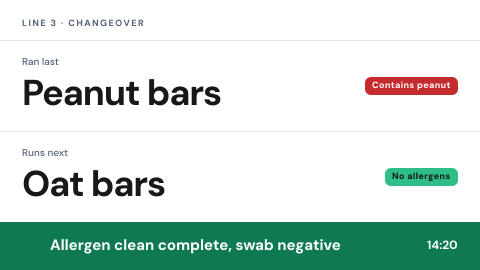 Allergen and changeover status
What ran last, what runs next, allergen cleaning done.
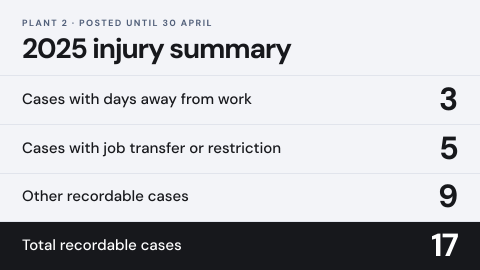 Annual injury summary posting
The summary required to be displayed for a set period.
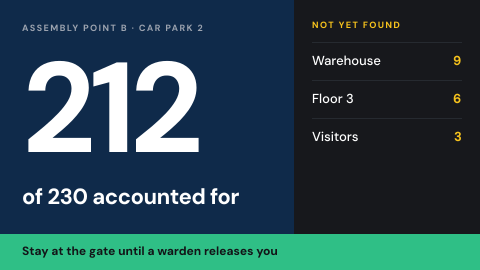 Assembly point and headcount
Where to gather, and who is accounted for.
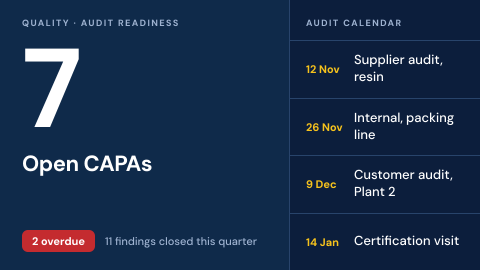 Audit readiness board
Open CAPAs, audit calendar and findings status.
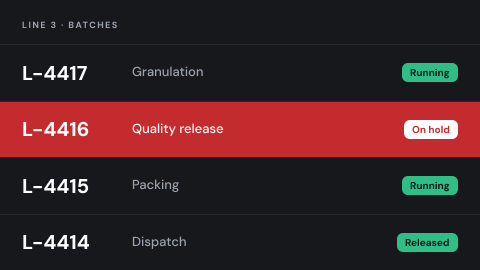 Batch and lot status
Where each batch is, and any hold.
 Birthdays and work anniversaries
Celebrate people on the day.
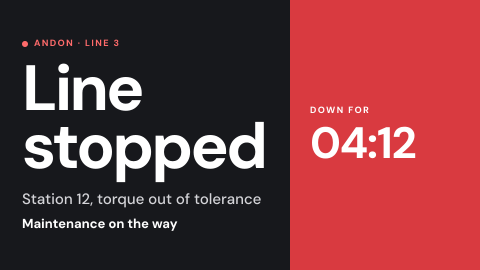 Andon and line-stop alerts
A stopped line or a call for help, shown to the people who can respond, the moment it happens.
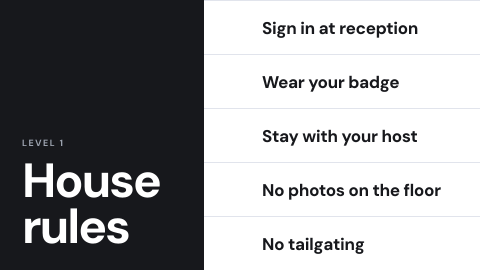 Building rules for visitors
What visitors must and must not do.
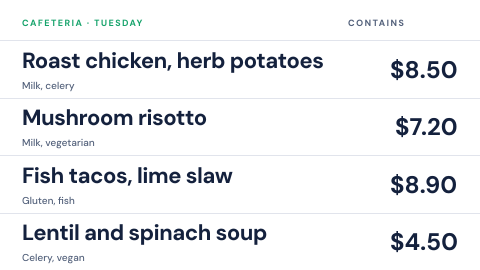 Cafeteria menu
Today's dishes with prices and allergens.
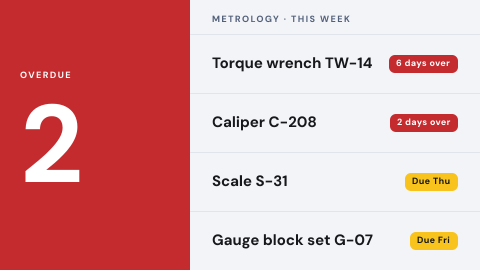 Calibration due
What is overdue, what is due this week.
 Check-in instructions
How to sign in, with a QR code.
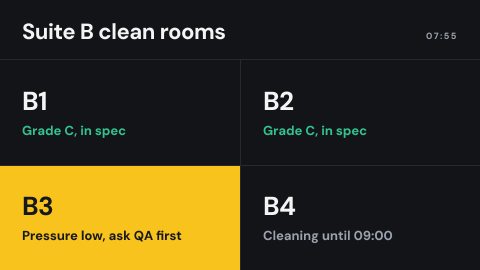 Clean room status at the door
Grade, pressure, who may enter, whether it is in use.
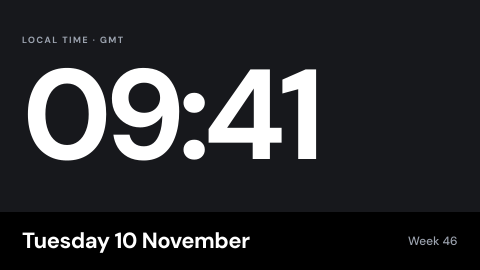 Clock and date
The time, in the local time zone.
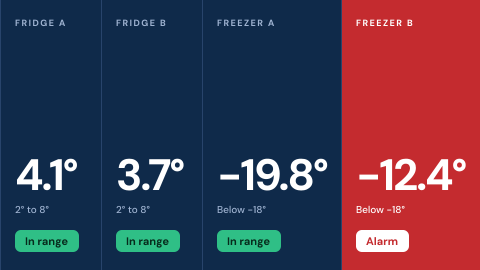 Cold chain readout
Fridge and freezer temperatures with alarm status.
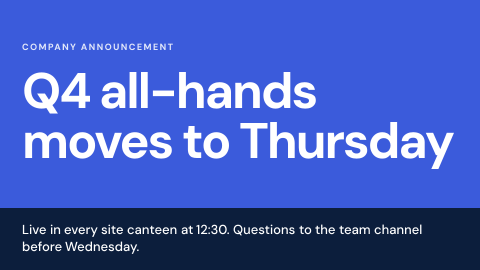 Company announcements
Headquarters pushes one message to every site.
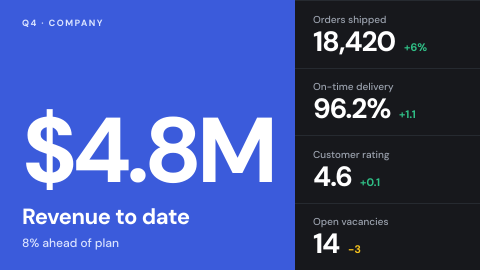 Company KPI wall
The five numbers leadership wants everyone to see.
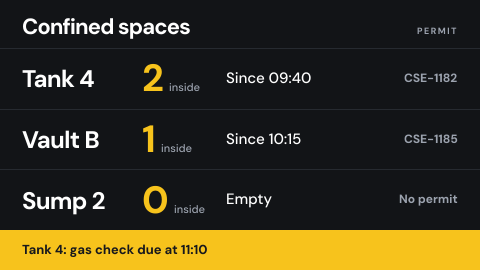 Confined space entry status
Who is inside, since when, with which permit.
 Contractor induction at the gate
Site rules and a sign-off before entry.
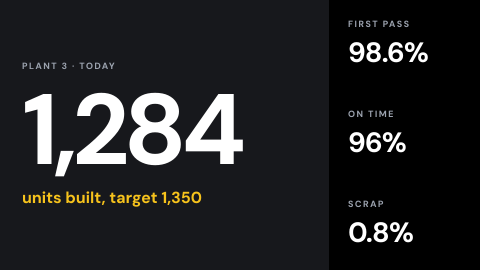 Contractor plant KPIs
Production figures on a network that handles controlled information.
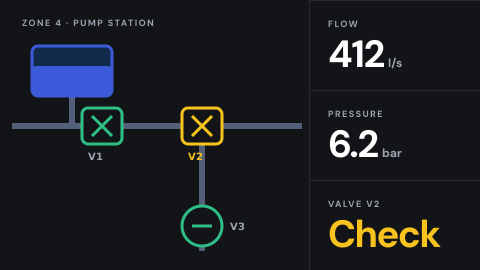 Control room wall
Live process view for operators.
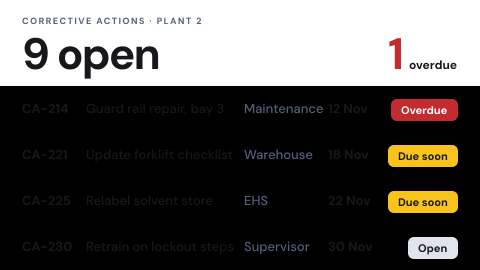 Corrective action status
Open actions, owners and due dates.
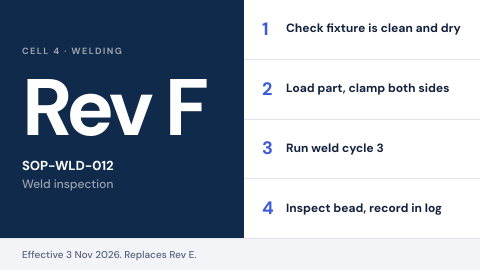 Current SOP at the cell
The controlled version of the procedure, at the place of work.
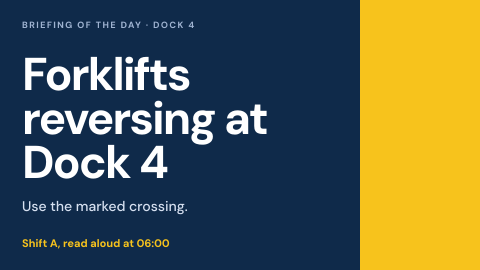 Daily safety briefing
The hazard of the day, read at the shift start.
Use cases by industry
Universal combines several jobs. Its page shows which ones, and what its rules ask of the screens.