Use cases Government
What screens do in government
Public meeting notices, hearing schedules and service queues for offices and courts.
49 use cases
Page 2 of 3
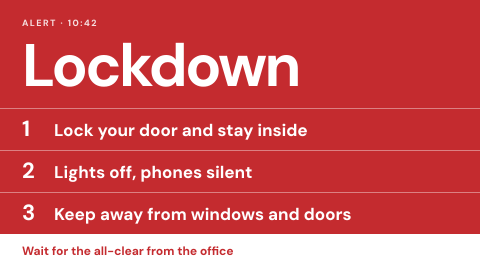 Lockdown and shelter in place
Clear messages for the first minute.
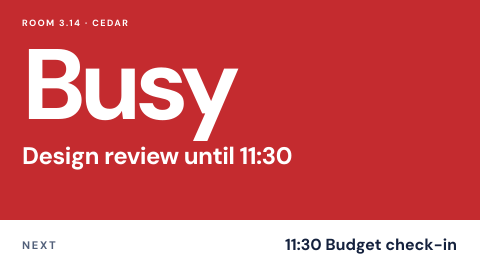 Meeting room door sign
Free or busy, who has it, until when.
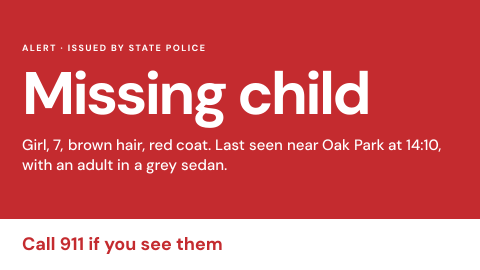 Missing person and child alert
Public alerts from an official source.
 No phones or cameras
A reminder at entry to restricted areas.
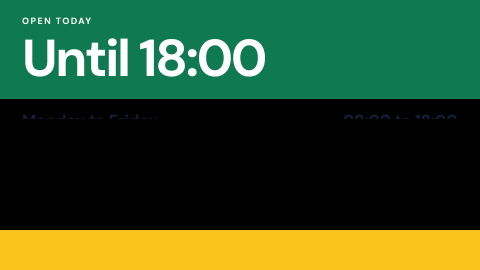 Opening hours and holiday closures
Show when the site is open, including exceptions.
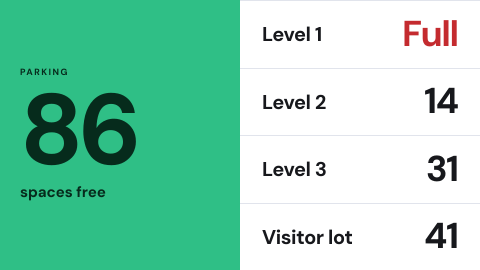 Parking availability
Free spaces by level or lot.
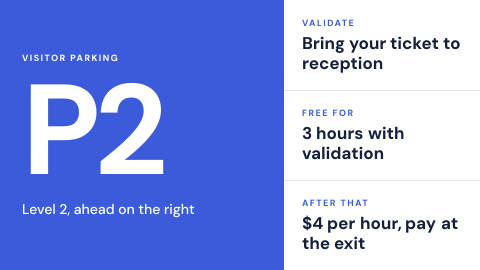 Parking instructions
Where to park and how to validate.
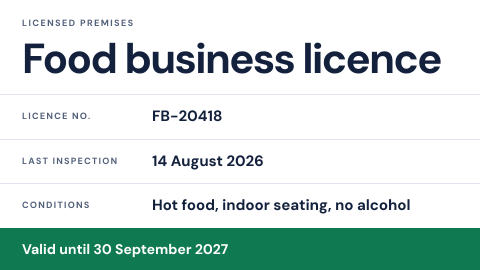 Permit and license display
The licence a business must show.
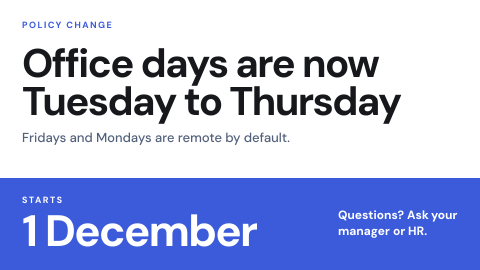 Policy change notice
Tell everyone a rule changed and from when.
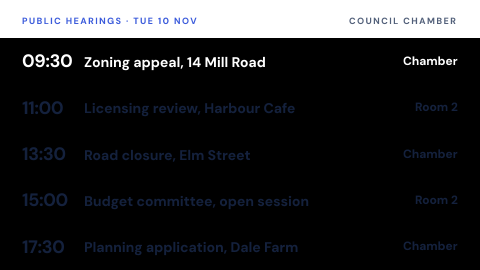 Public hearing schedule
Hearings by day and room.
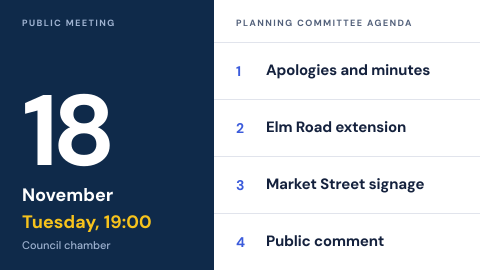 Public meeting notice
Agenda and time posted before the meeting.
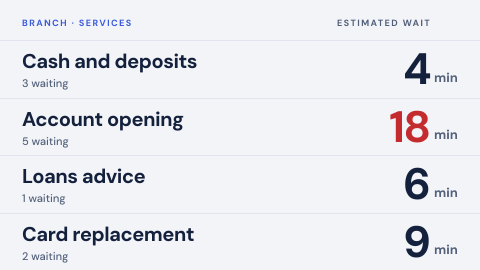 Queue status by service
Waiting count and expected wait per service, kept honest.
 Room availability overview
Every room on a floor in one glance.
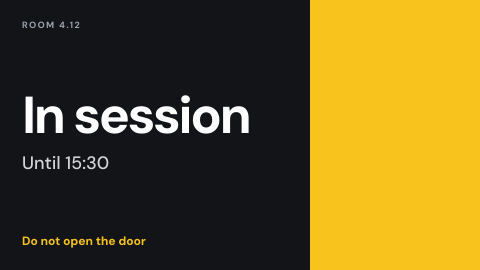 Secure room in session
A sign that a restricted meeting is running.
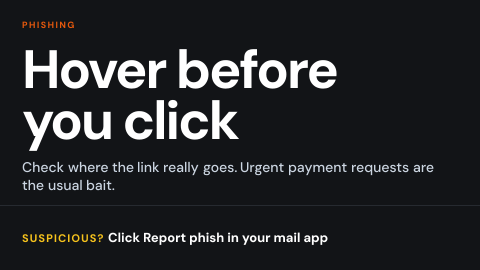 Security awareness
Phishing and password prompts for employees.
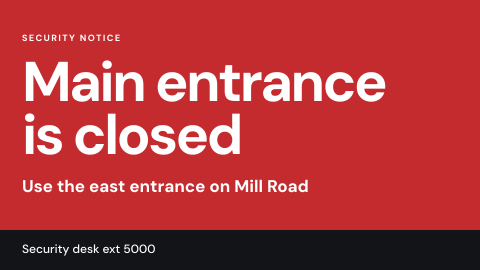 Security notice
Suspicious item, closed entrance, lockdown.
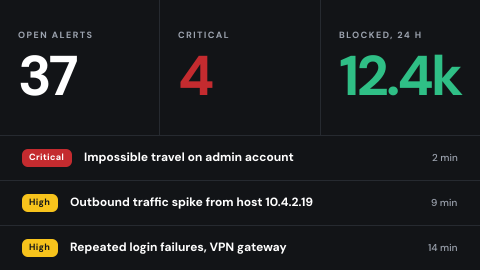 Security operations wall
Threat and alert views for the SOC.
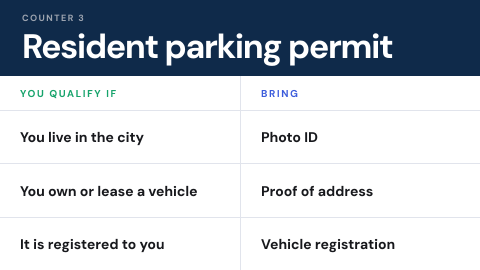 Service eligibility notice
Who qualifies and what to bring.
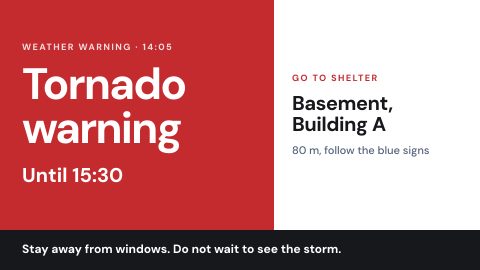 Severe weather and shelter
Warnings and the nearest shelter.
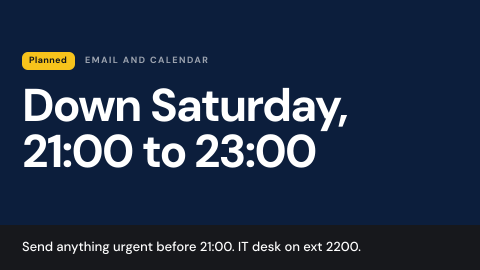 System maintenance notice
Warn that a service will be down.
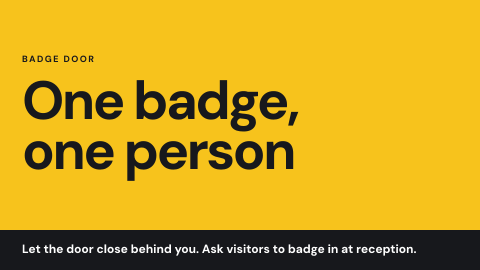 Tailgating awareness
Entry etiquette at badge doors.
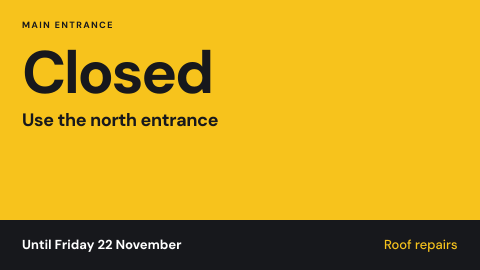 Temporary change notice
Construction, closed entrance, detour, out-of-service equipment.
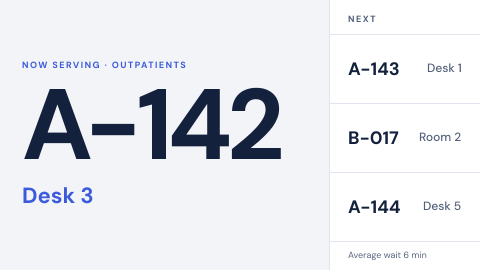 Ticket call to a counter or room
Call the next visitor by ticket number only: "N167, go to counter 2", never a name.
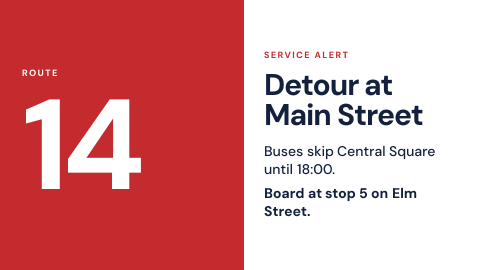 Transit service alert
Disruptions on a route.
Use cases by industry
Universal combines several jobs. Its page shows which ones, and what its rules ask of the screens.