Use cases Government
What screens do in government
Public meeting notices, hearing schedules and service queues for offices and courts.
49 use cases
Page 1 of 3
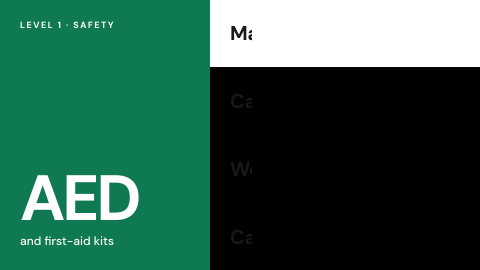 AED and first-aid locations
Where the equipment is.
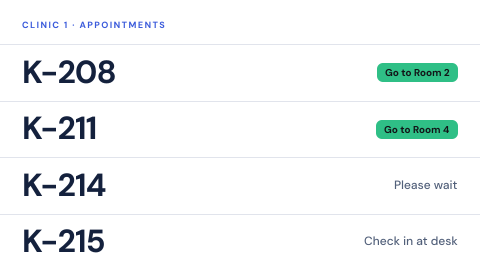 Appointment status by ID
"Your room is ready", without a name.
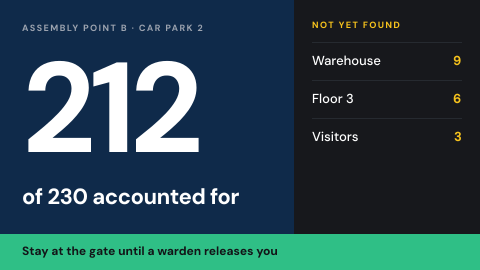 Assembly point and headcount
Where to gather, and who is accounted for.
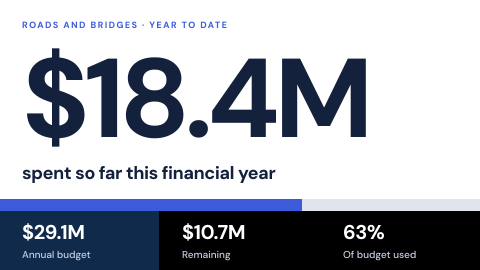 Budget and spending transparency
Figures an authority publishes.
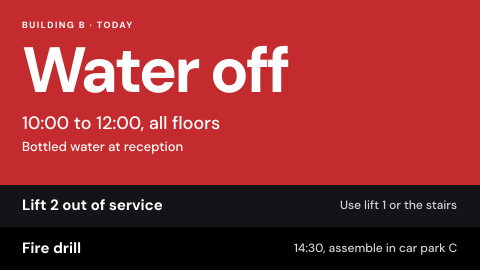 Building alerts
Water off, lift out, fire drill today.
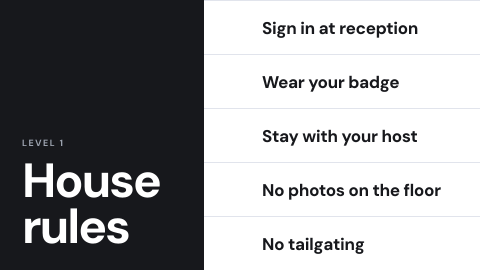 Building rules for visitors
What visitors must and must not do.
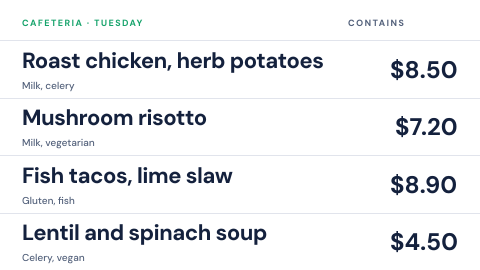 Cafeteria menu
Today's dishes with prices and allergens.
 Check-in instructions
How to sign in, with a QR code.
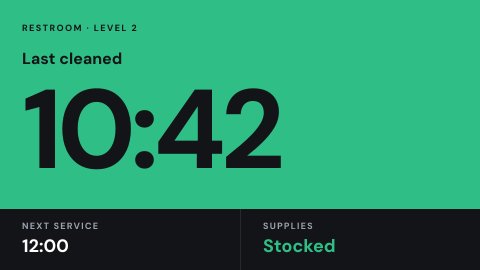 Cleaning and service status
Last cleaned, next service.
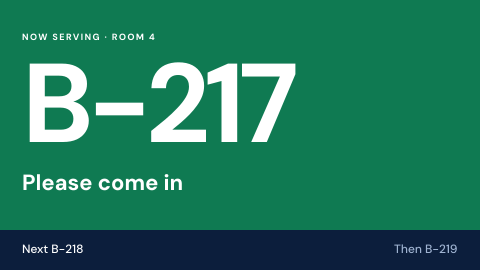 Counter display without personal data
Above a counter or room door, the ticket being served there now.
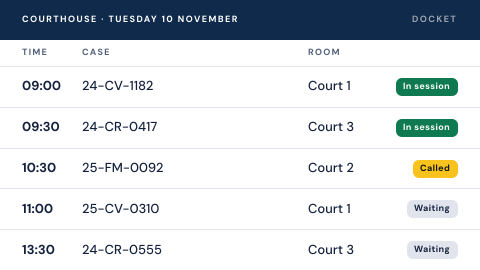 Court docket
Cases by courtroom and time.
 Courtroom door display
Who is in session now.
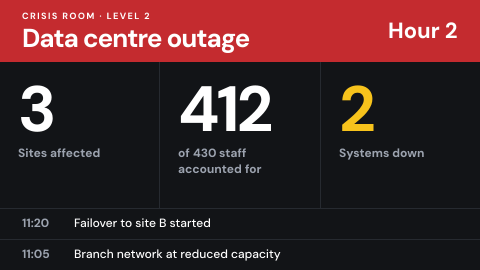 Crisis room display
Situation view for a crisis team.
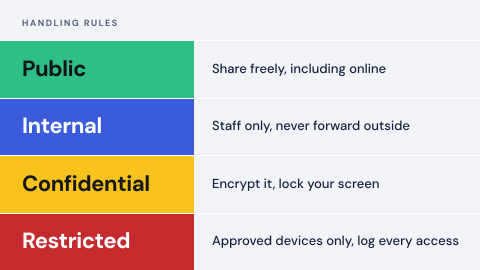 Data classification reminder
The handling rules for each classification.
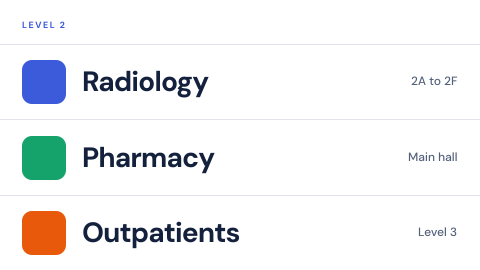 Digital directory
Who is on which floor, kept current from one place instead of a printed board.
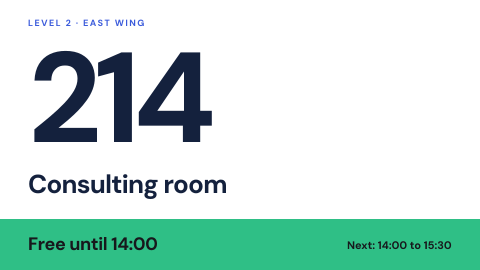 Digital door and wall signs
Room names and numbers that can change.
 Drill in progress banner
Mark a drill so nobody mistakes it for a real event.
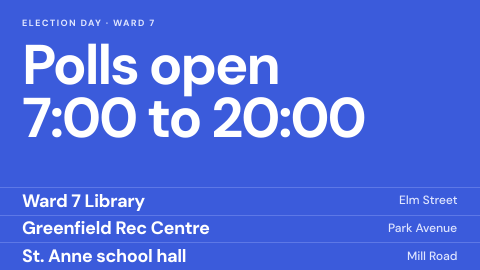 Election and polling information
Locations, hours, results.
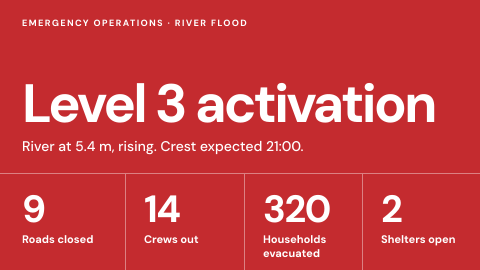 Emergency operations center wall
Situation picture for responders.
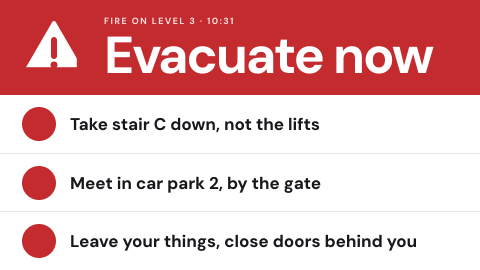 Emergency override from the alert source
Take every screen over from the same system that drives sirens and SMS.
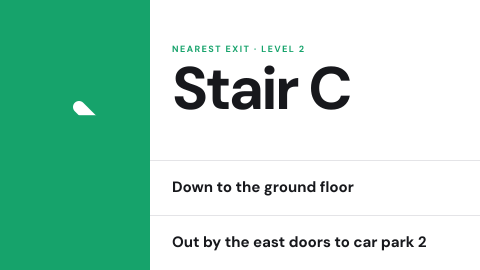 Evacuation route for this location
Show the exit path from where the screen hangs.
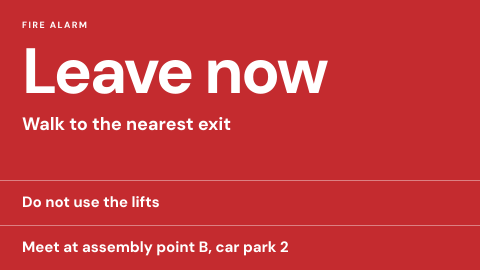 Fire alarm linked instructions
Instructions that start when the alarm starts.
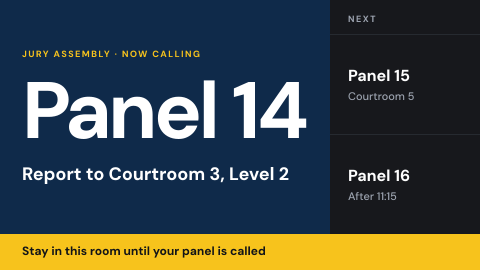 Jury assembly
Instructions and calls for jurors.
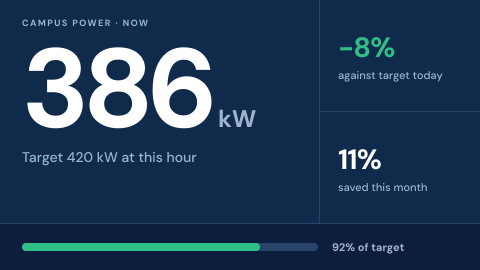 Live energy use
Consumption and savings against targets.
Use cases by industry
Universal combines several jobs. Its page shows which ones, and what its rules ask of the screens.