Use cases Education
What screens do in education
Campus alerts, bell schedules and exam notices, with lockdown messages that take over every screen.
54 use cases
Page 2 of 3
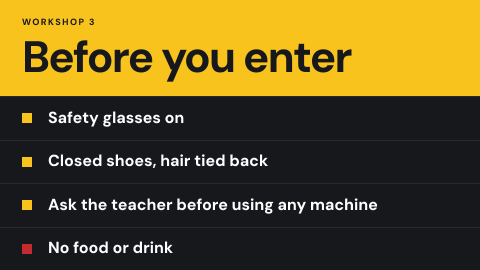 Lab and workshop safety
Rules at the door of labs and workshops.
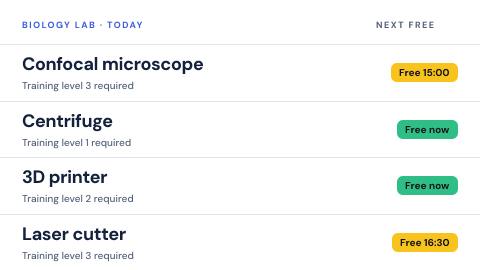 Lab equipment booking
Equipment with training status.
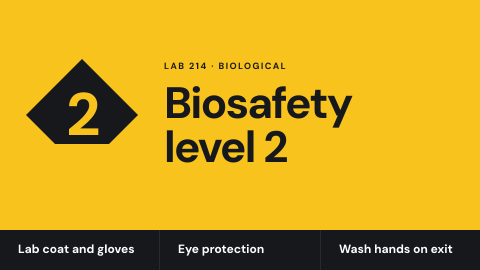 Lab hazard door sign
Biological, chemical, laser or radiation level at the door.
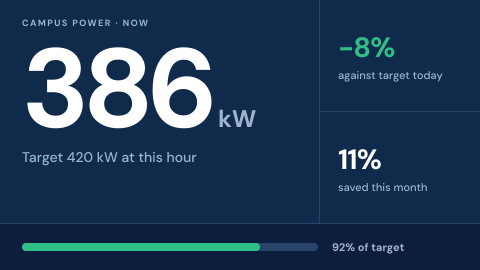 Live energy use
Consumption and savings against targets.
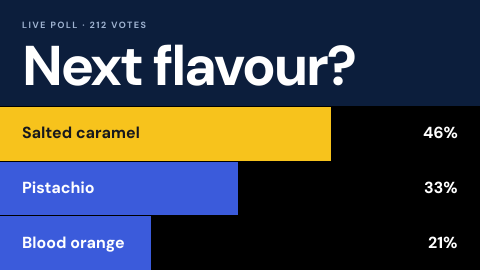 Live poll
A question with results updating on screen.
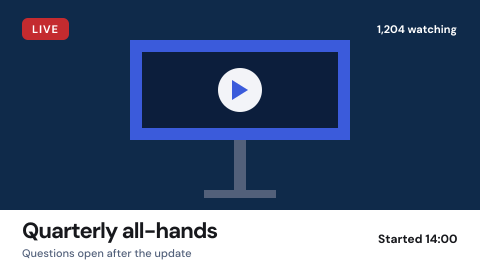 Live stream
A live feed shown as it happens.
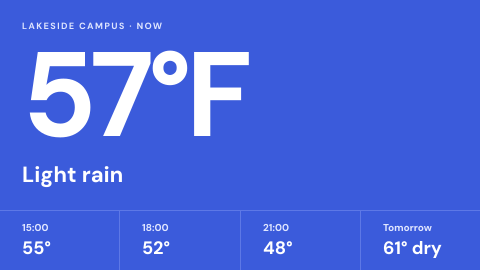 Local weather
Current conditions and forecast for the site.
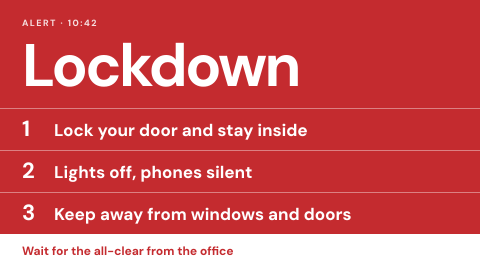 Lockdown and shelter in place
Clear messages for the first minute.
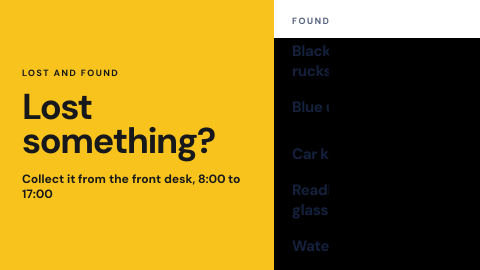 Lost and found notice
Show what was found and where to collect it.
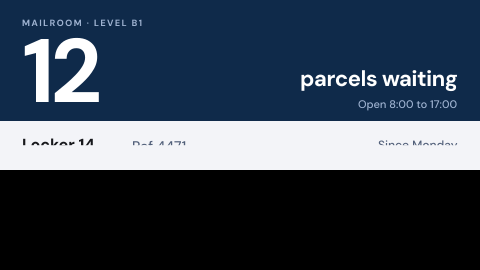 Mailroom and parcel pickup
Which parcels are waiting and where to collect them.
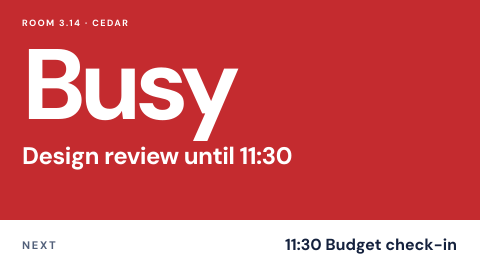 Meeting room door sign
Free or busy, who has it, until when.
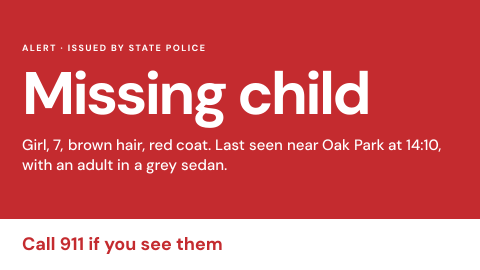 Missing person and child alert
Public alerts from an official source.
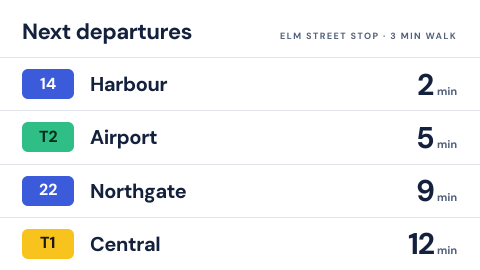 Nearby transit arrivals
Next buses and trains at the closest stops.
 Opening hours and holiday closures
Show when the site is open, including exceptions.
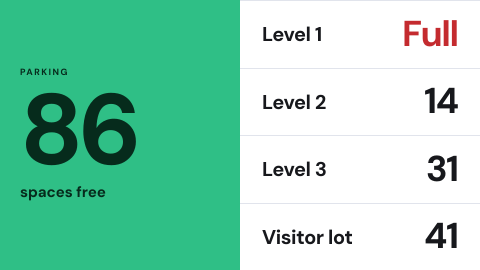 Parking availability
Free spaces by level or lot.
 Photo slideshow
A shared album or folder cycling on screen.
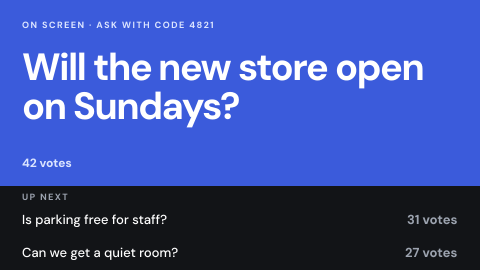 Q&A wall
Questions from an audience, moderated.
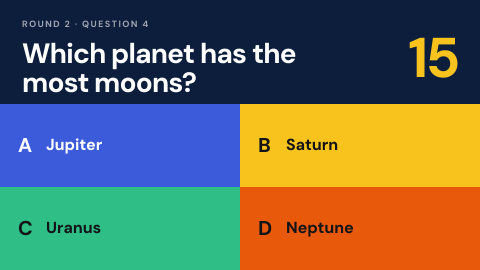 Quiz or trivia round
Interactive game for an event or break room.
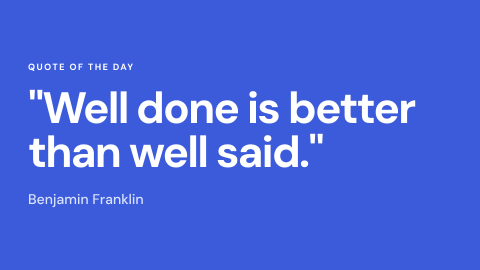 Quote of the day
A short line from a list or feed.
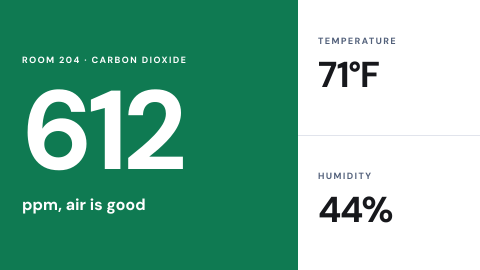 Room air quality
CO2, temperature and humidity in a room.
 Room availability overview
Every room on a floor in one glance.
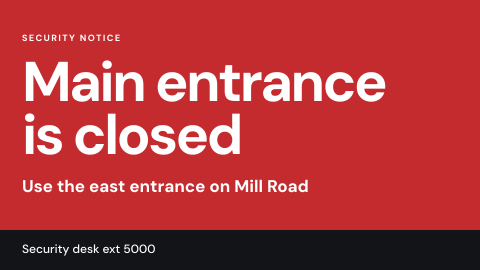 Security notice
Suspicious item, closed entrance, lockdown.
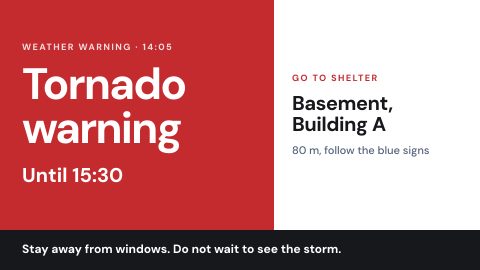 Severe weather and shelter
Warnings and the nearest shelter.
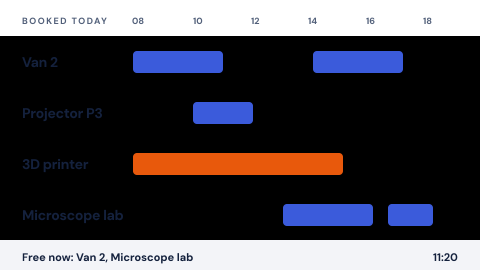 Shared equipment booking
Vehicles, labs, projectors, tools.
Use cases by industry
Universal combines several jobs. Its page shows which ones, and what its rules ask of the screens.