Use cases Education
What screens do in education
Campus alerts, bell schedules and exam notices, with lockdown messages that take over every screen.
54 use cases
Page 1 of 3
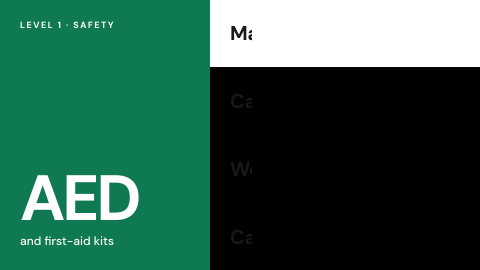 AED and first-aid locations
Where the equipment is.
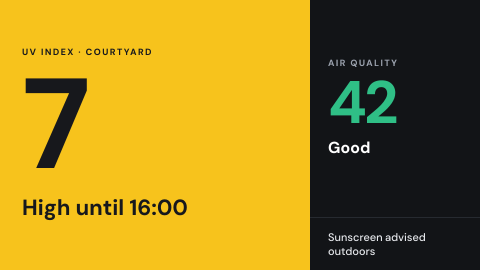 Air quality and UV index
Outdoor conditions people may act on.
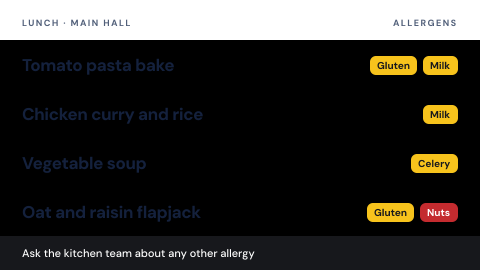 Allergen awareness in dining
Allergen information, without naming children.
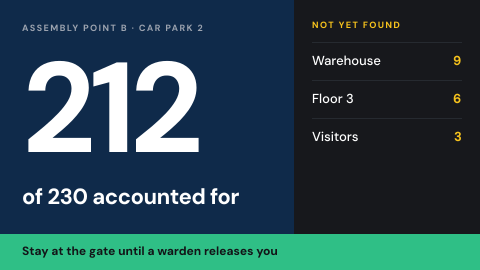 Assembly point and headcount
Where to gather, and who is accounted for.
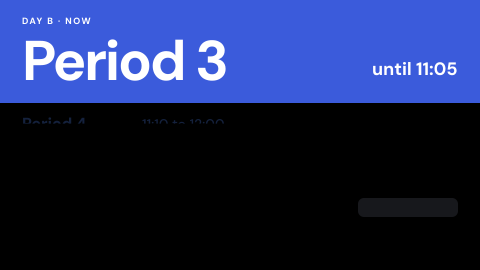 Bell schedule
Today's schedule including changes.
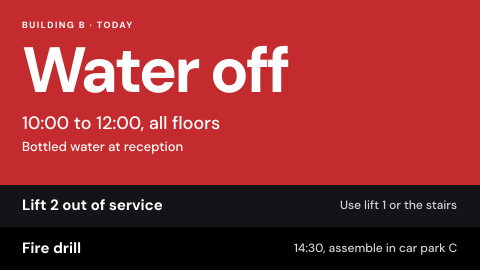 Building alerts
Water off, lift out, fire drill today.
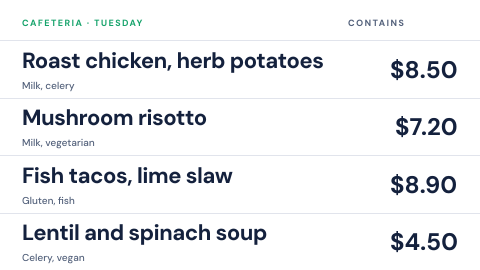 Cafeteria menu
Today's dishes with prices and allergens.
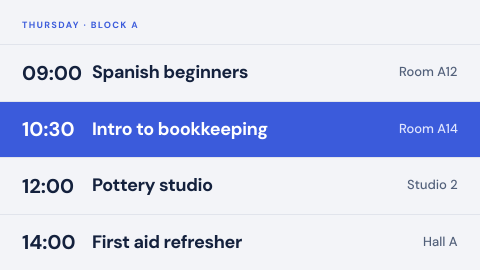 Class and course timetable
What is on, where, when.
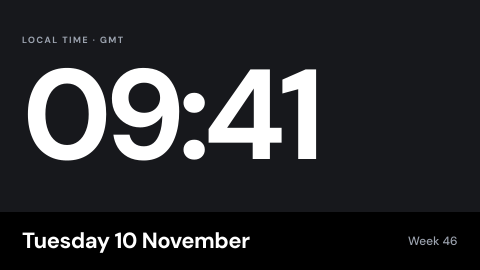 Clock and date
The time, in the local time zone.
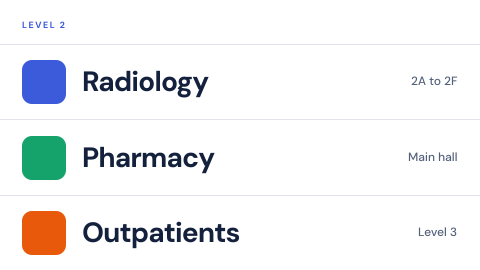 Digital directory
Who is on which floor, kept current from one place instead of a printed board.
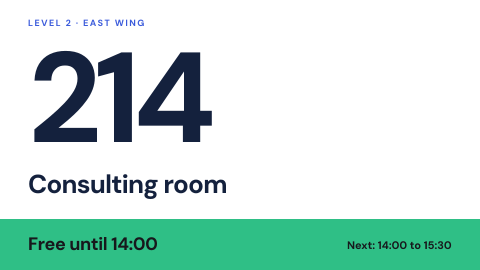 Digital door and wall signs
Room names and numbers that can change.
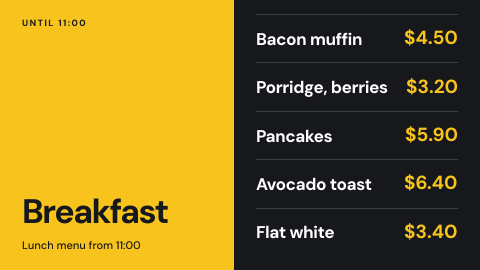 Menu board
Menus and prices that change by time of day, across every counter at once.
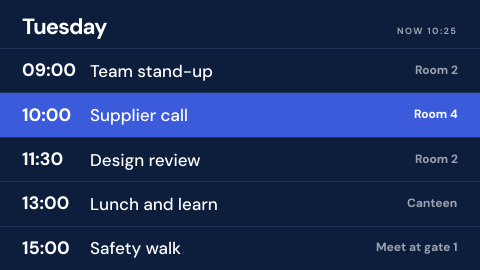 Schedule board
Shifts, timetables and events from the calendar or spreadsheet you already keep.
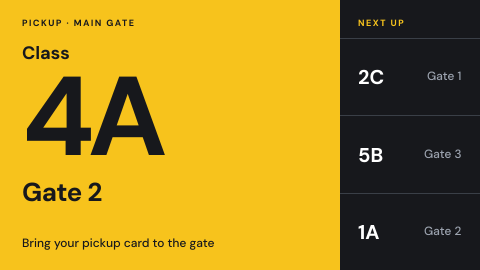 Dismissal and pickup queue
Which classes are called to pickup.
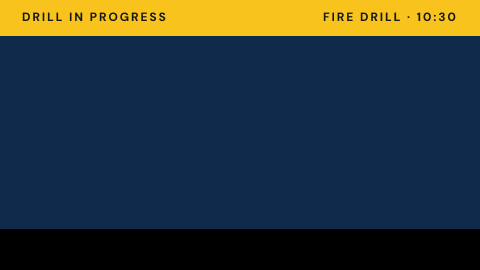 Drill in progress banner
Mark a drill so nobody mistakes it for a real event.
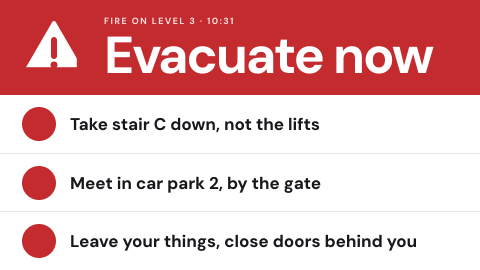 Emergency override from the alert source
Take every screen over from the same system that drives sirens and SMS.
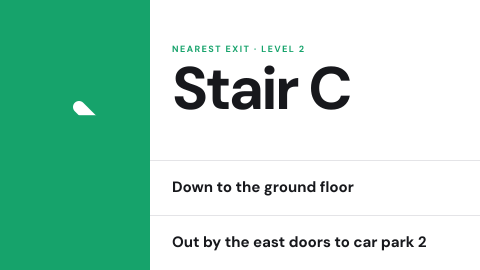 Evacuation route for this location
Show the exit path from where the screen hangs.
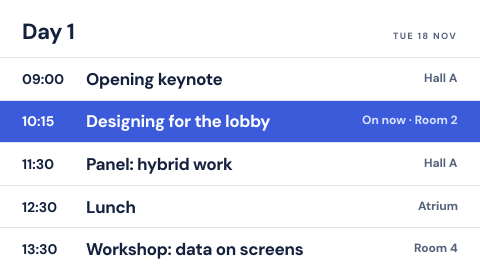 Event agenda
Sessions by time and room, with what is on now.
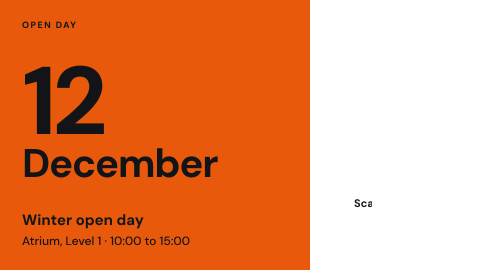 Event announcement
One upcoming event with date, place and a QR code.
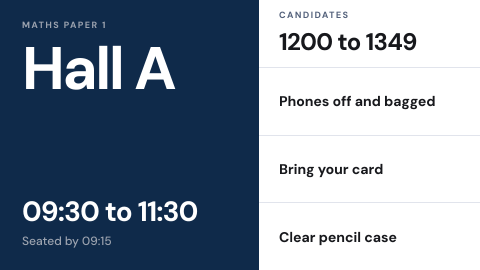 Exam notices
Room, time, rules and candidate numbers.
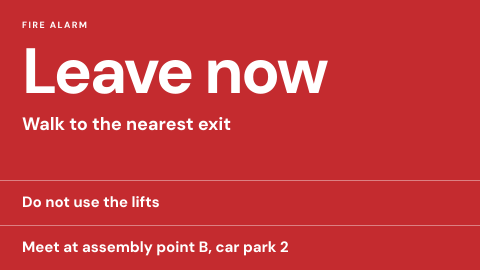 Fire alarm linked instructions
Instructions that start when the alarm starts.
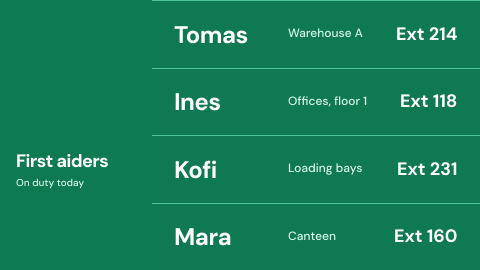 First aiders on duty
Who they are and how to reach them today.
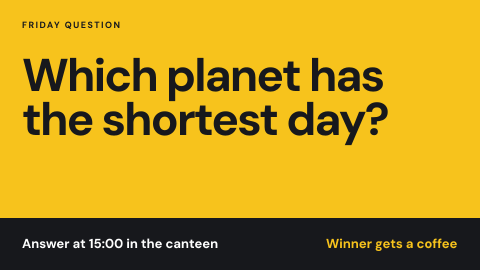 Fun fact or trivia
A rotating question and answer.
 Health and safety posters
Rules people are expected to know.
Use cases by industry
Universal combines several jobs. Its page shows which ones, and what its rules ask of the screens.