Digital signage apps
A digital signage app is a small program built for a screen, showing data that changes on its own. You set it up once with a form, it looks after itself, and it pulls fresh figures every time it plays. Apps come with every plan, with nothing to host and nothing to install on the device.
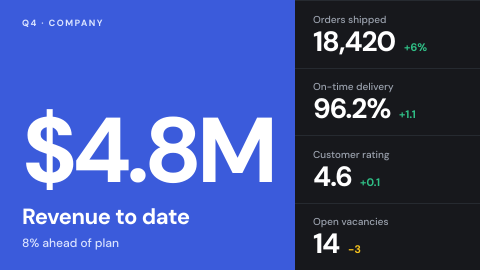
What teams use apps for
Each of these is an app from the store, set up with a form and placed in a playlist like any image or video.
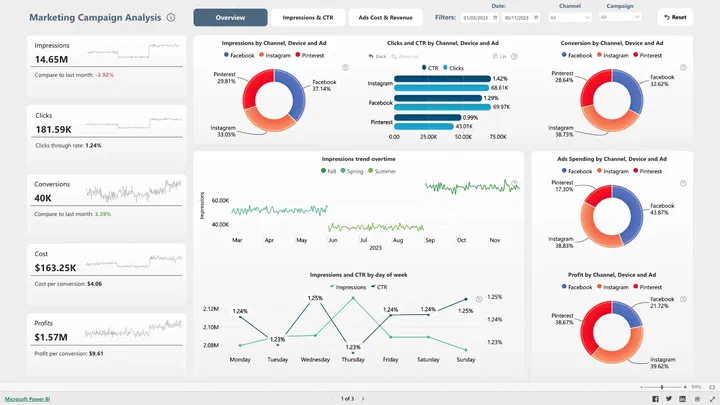
 Power BI
Dashboards on a wall
Reports and dashboards from your own Power BI account, without a public link.
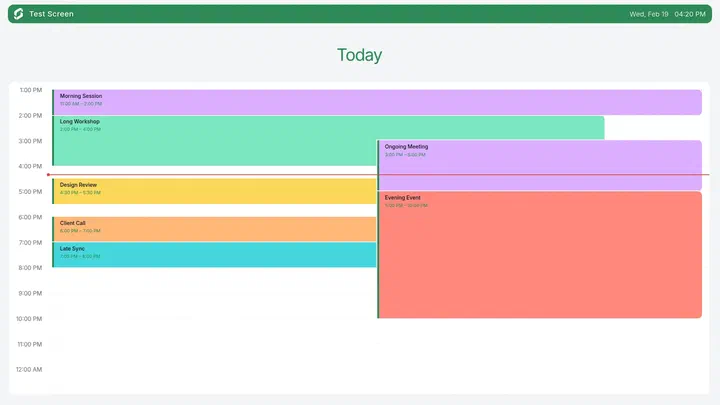
 Google Calendar
Meeting room doors
What is on now and next, outside every room.
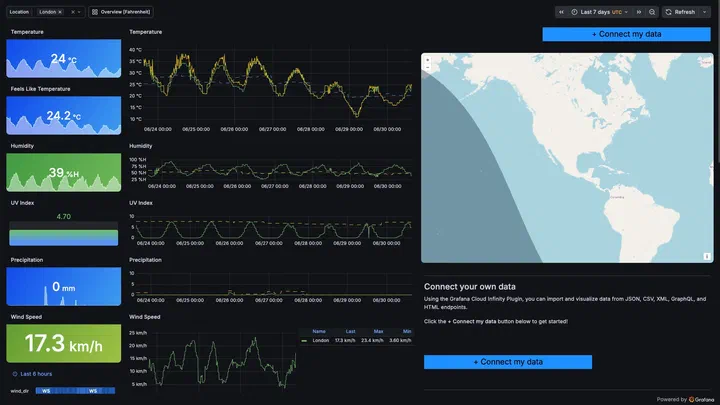
 Grafana Dashboard
Operations wallboards
Live metrics laid out for reading across a room.
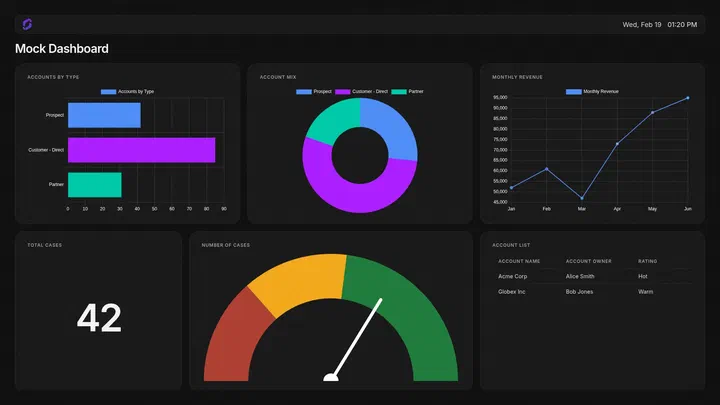
 Salesforce Dashboard
Sales floor targets
Dashboards and reports where the team sits.
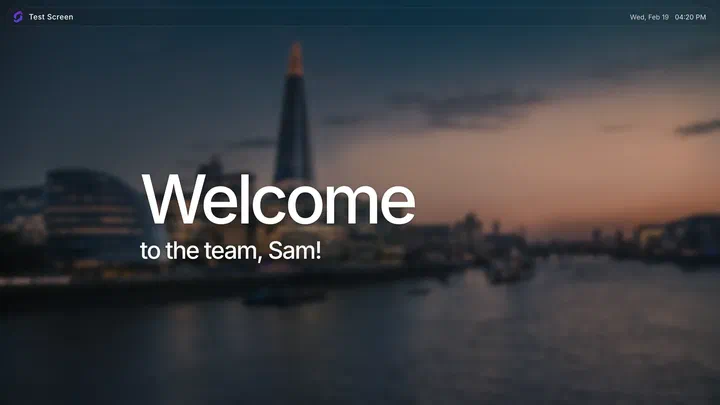
 Welcome
A welcome for visitors
A greeting with your own heading and text in reception.
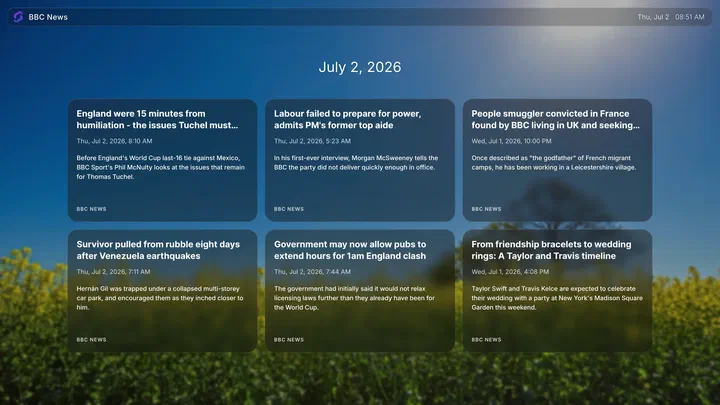
 BBC News
News in shared spaces
Headlines that update on their own between your content.
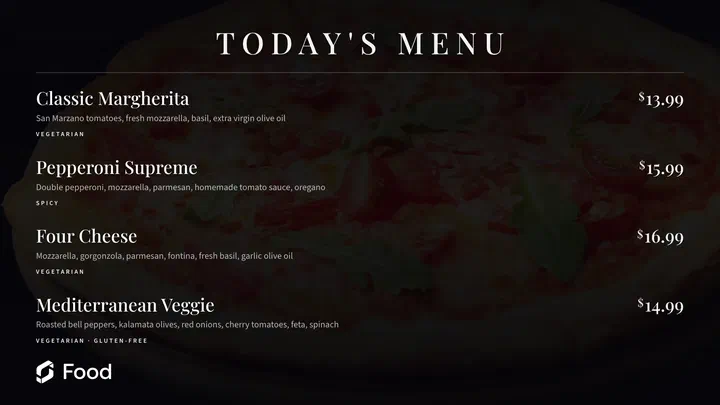
 Menu Board
Menus that change by the hour
Up to 12 items, changed from the dashboard.
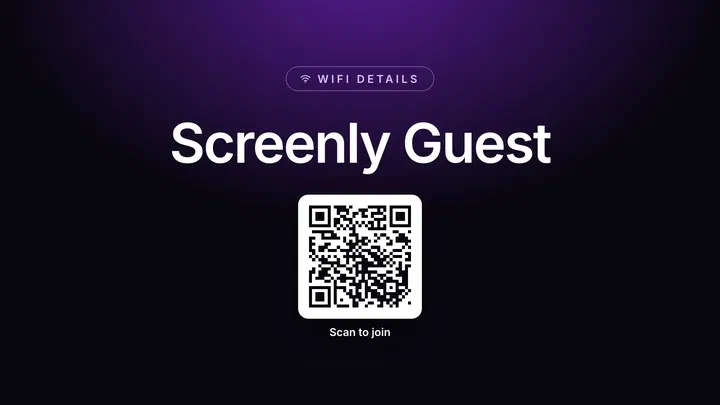
 Wi-Fi Connect
Wi-Fi for guests
Guests scan the screen to join your Wi-Fi.
An app or a web page?
Both play on any screen, and a web page is often the quickest way to show something that already exists. An app is built for the wall, which matters once a screen has to run for months without anyone looking at it.
| Topic | An app | A web page |
|---|---|---|
| Made for | A screen read across a room: large type, no menus, nothing to click | A person at a desk: small text, menus and links, a layout that expects a mouse |
| Setting it up | A form asks for what it needs, such as which dashboard, calendar or city | A URL, and for pages behind a login, a sign-in or a script |
| Credentials | Stored as a secret, encrypted for one device and never visible again | A sign-in kept on the device, a script that signs in, or the device certificate on ScreenlyOS |
| When the data source is down | Shows what it last had, a fallback, or skips its turn | Skipped until the page loads again |
| Many screens, different settings | One app, a configuration per screen or room | One URL per variation, or a page that reads the screen's details |
| Looks like your company | Takes the workspace logo and colors on its own | Looks however the site looks |
| Best for | Data that changes and has to be read from a distance | A page that already looks right on a big screen |
Connect a service once, and every app can use it
Dashboard apps are only as useful as the data behind them, and the data is usually behind a login. Screenly holds the connection for the whole workspace: connect Salesforce, Power BI, Grafana, Airtable, a calendar or Slack once, and every app that reads from it offers your own dashboards, reports and calendars from a list. Nobody's personal credentials end up in a screen, and removing access is one change rather than a hunt through every app.
Apps also take your workspace branding. Set your logo and colors once and every app follows, so a lobby screen, a menu board and a KPI dashboard look like the same company without anyone editing three designs.
Where an app runs, and why it matters
On ScreenlyOS an app runs on the device itself: real code in a real browser engine, refreshing on its own schedule and carrying on through a network drop with the content it already holds. With the Screenly app on a TV, a stick or a browser, the app runs on Screenly's servers and the screen is sent a picture of the result. That is a security decision: those devices run a system Screenly does not control, so the token behind a dashboard never travels to them. An app with motion, or one that reacts to the second, wants a ScreenlyOS device.
When the store does not have it, build it
Package your own page as an app and it gets settings in the dashboard, secrets that stay encrypted and never appear in the page source, versioned releases that update every screen at once, a proxy for APIs that block browser requests, and your workspace branding. The source of the store apps is public to learn from, and if you would rather Screenly built it, you can request an app.
What you get with apps
Included in every plan.
Connected services
One connection per service for the whole workspace, used by every app that reads from it.
Connected servicesSettings and secrets
Plain settings for what anyone may see; encrypted, write-only secrets for API keys and passwords.
Settings and secretsOne app, many instances
The same app several times with different settings: one weather app per city, one calendar per room.
InstancesWorkspace branding
Logo and colors set once and applied to every app.
BrandingWhere an app runs
On the device with ScreenlyOS, or on Screenly's servers for TVs, sticks and browsers.
Where an app runsYour own apps
Your page with dashboard settings, encrypted secrets and versioned releases across the fleet.
Build your ownStore app source
The code behind the store apps, open on GitHub to learn from.
Screenly PlaygroundApps on request
Tell Screenly what you need and it may build it for the store.
Request an app
Digital signage apps, answered
Do Screenly apps cost extra?
No. Apps come with every plan, with nothing extra to buy, nothing to host and nothing to install on the device.
Can I show a Power BI or Grafana dashboard on a digital signage screen?
Yes. Connect the service once for the workspace, pick the dashboard from a list in the app, and add it to a playlist. No token is pasted into a screen. Dashboards covers every way to show one.
How does an app keep my credentials safe?
Anything sensitive is stored as a secret: encrypted for a single device, write-only once saved, and never visible in the page source or to other administrators. On a TV, a stick or a browser, which cannot hold a secret, the app runs on Screenly's servers and the screen receives only the picture. How Screenly keeps credentials secure covers each case.
Do apps work when the screen is offline?
On ScreenlyOS an app runs on the device and keeps showing what it already holds; fetching new data waits for the connection. On TVs, sticks and browsers the app runs on Screenly's servers, so it needs the connection to update. Uploaded content and schedules keep playing either way.
Can I run the same app on several screens with different settings?
Yes. Each configuration is its own instance and its own item in the library: one weather app per city, one calendar per meeting room, each sent to its own screens through labels.
Can I build my own digital signage app?
Yes. A web page packaged as an app gets dashboard settings, encrypted secrets, versioned releases across the fleet and a proxy for APIs. The docs start from a working example.
Read next
- Developer docs for apps
For developers building apps with code.