Using Tailscale with Anthias
Tailscale is a great way to remotely access your Anthias installation.
by vpetersson
Tailscale describes itself as a way to 'easily manage access to private resources.' Think of it as VPN on steroids. With the Tailscale client installed on your Anthias installation and laptop, you can remotely access it from anywhere.
Installing Tailscale on Anthias
In order to use Tailscale, you need to have installed Anthias by yourself on Raspberry Pi OS. The official disk images are using Balena Hub, which is great for most users, but will not allow you to install custom software along Anthias.
The easiest way to install Tailscale is to use the installation script. SSH into your Raspberry Pi running Anthias and run:
curl -fsSL https://tailscale.com/install.sh | sh
Tailscale will install, and at the end, you will be asked to pair your Raspberry Pi with your Tailscale account.
Accessing Anthias remotely
Once you've successfully completed the installation of Tailscale, you should be able to see your Raspberry Pi in the Tailscale admin interface.
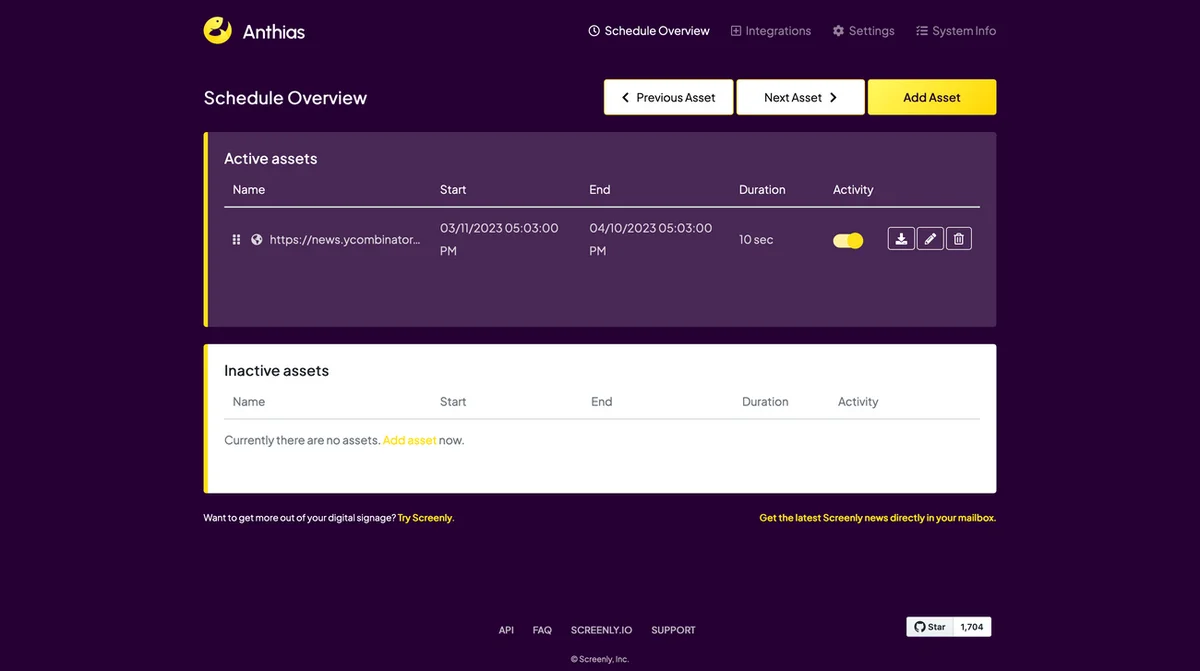
To access your Anthias installation remotely, simply copy the IP to your Raspberry Pi, and you should be able to access your Anthias installation remotely.