Introducing the Calendar App
Learn more about the Calendar App and how it can be used to display events from your calendar on a digital sign.
by nmiguelino
At Screenly, we make sure that people are aware of important events and deadlines. That's why we've created the Calendar App. This new app allows you to display events from your calendar on a digital sign.
What It Does
You can configure the app to display events from your calendar in a variety of ways—schedule, weekly, and daily.
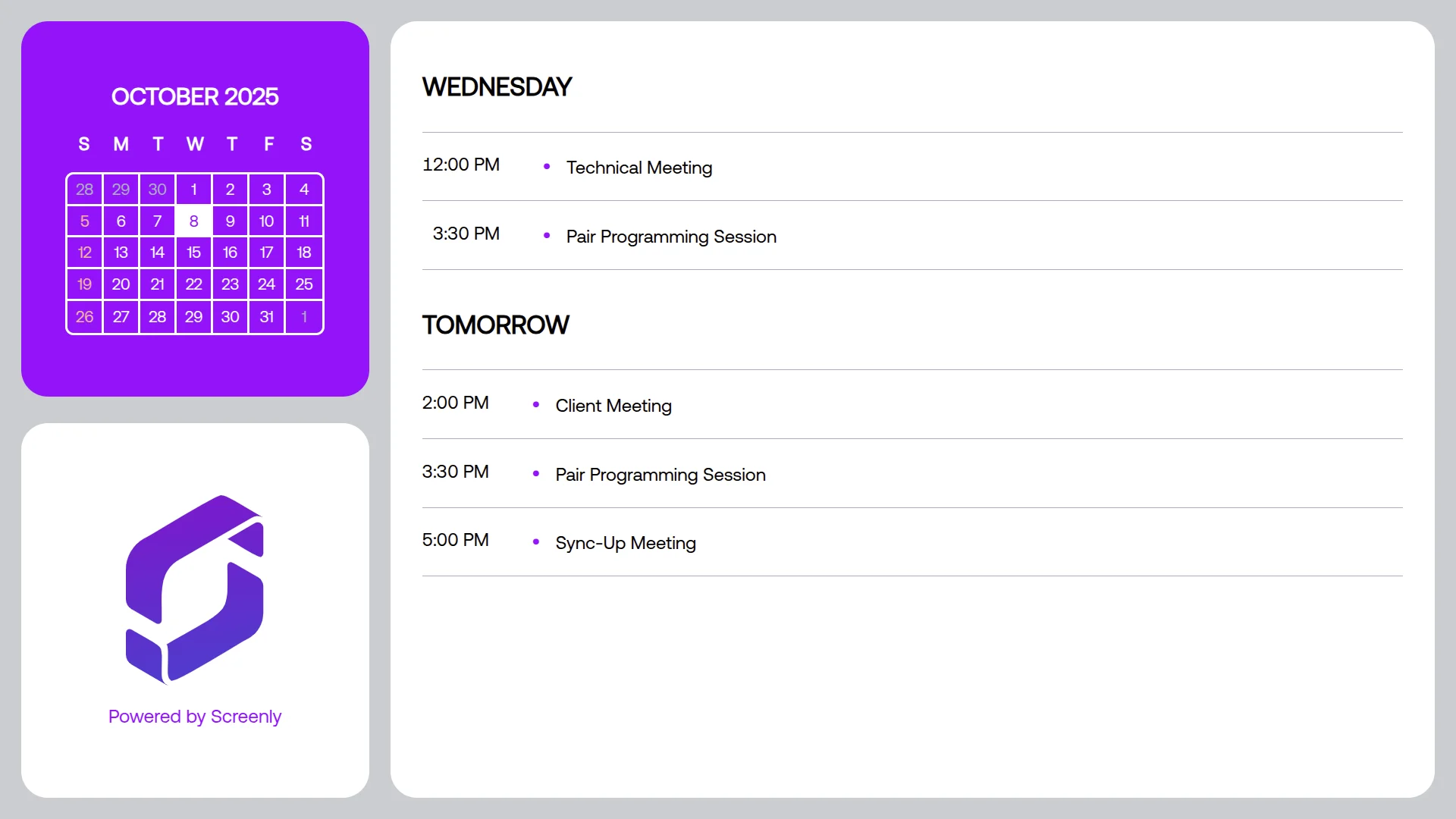
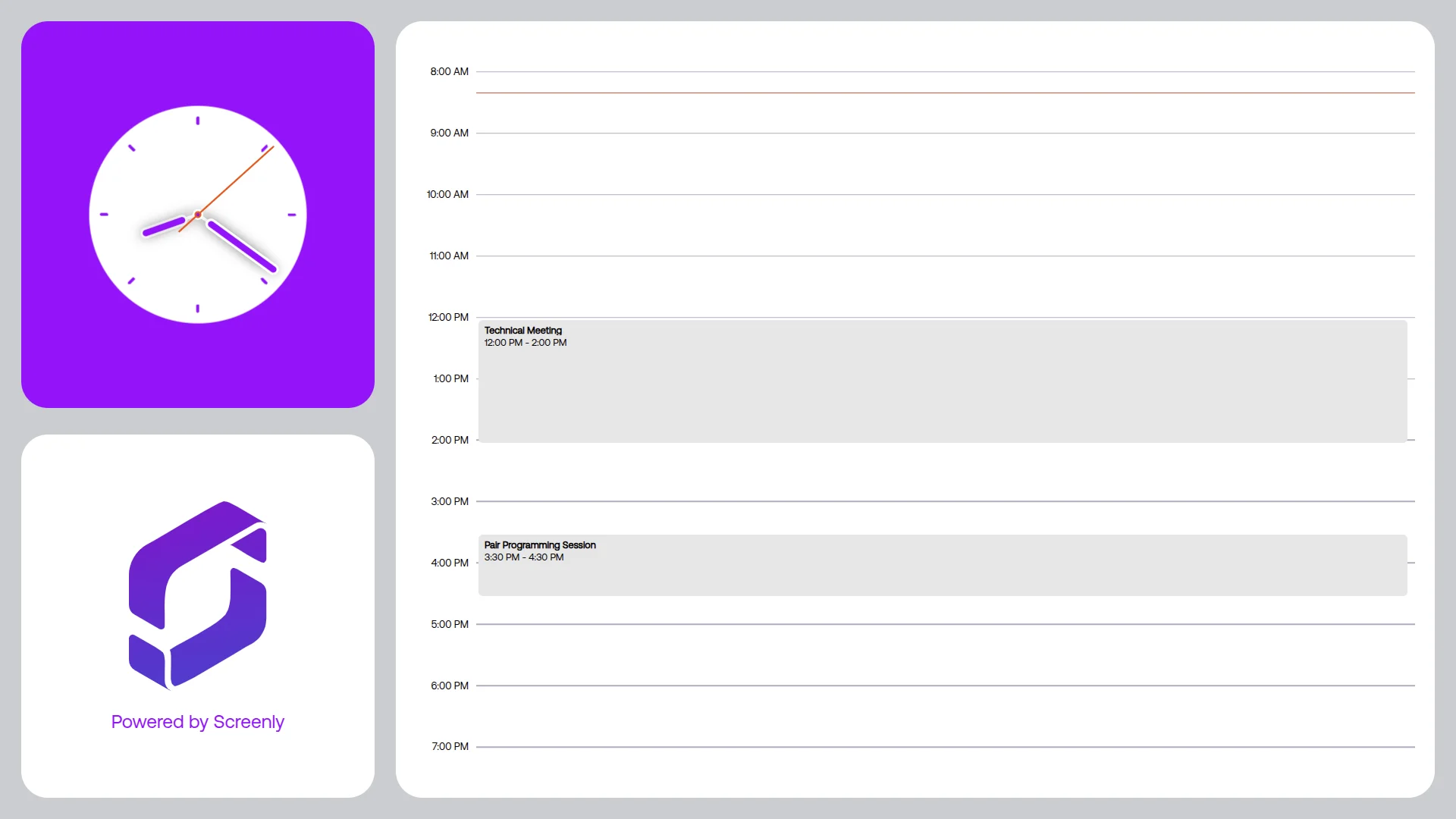
This might seem trivial, but having an app that displays calendar events on a digital sign is a great way to keep people informed about important deadlines. This could save you from missing critical events.
Writing the Calendar App
We used to write most of our apps in plain HTML, CSS, and JavaScript. Because the calendar app must be able to support various display modes, sticking with plain HTML, CSS, and JavaScript would have been too limiting.
Instead, we decided to write the app using React, a popular JavaScript library for building user interfaces. React allows us to build a reusable calendar component that can be used in different contexts.
Later, we decided to port most of our apps' source code to Vue.js, another popular JavaScript library for building user interfaces. While we don't have a strong preference between the two, we found that Vue has a gentler learning curve and more intuitive syntax.
Available Now
Learn more about the Calendar App and how to set it up on the Calendar App page.